'%3e%3ccircle%20data-source-pos='287:16-287:64'%20data-source-name='circle'%20cx='200'%20cy='200'%20r='164'%20fill='%237b07f2'%20mask='url(%23outer-ring-mask)'%3e%3c/circle%3e%3ccircle%20data-source-pos='292:16-292:72'%20data-source-name='circle'%20cx='200'%20cy='200'%20r='131.2'%20fill='%237b07f2'%20mask='url(%23inner-circle-mask)'%3e%3c/circle%3e%3c/g%3e%3c/svg%3e)
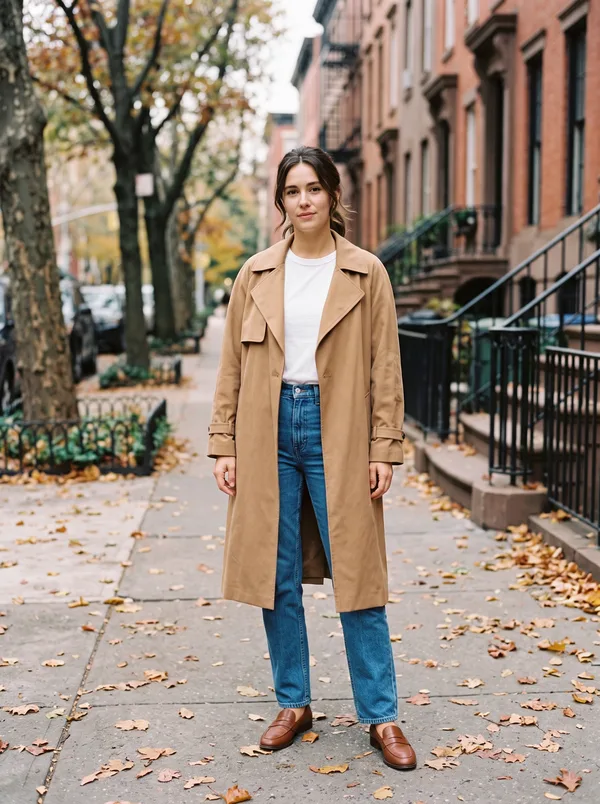
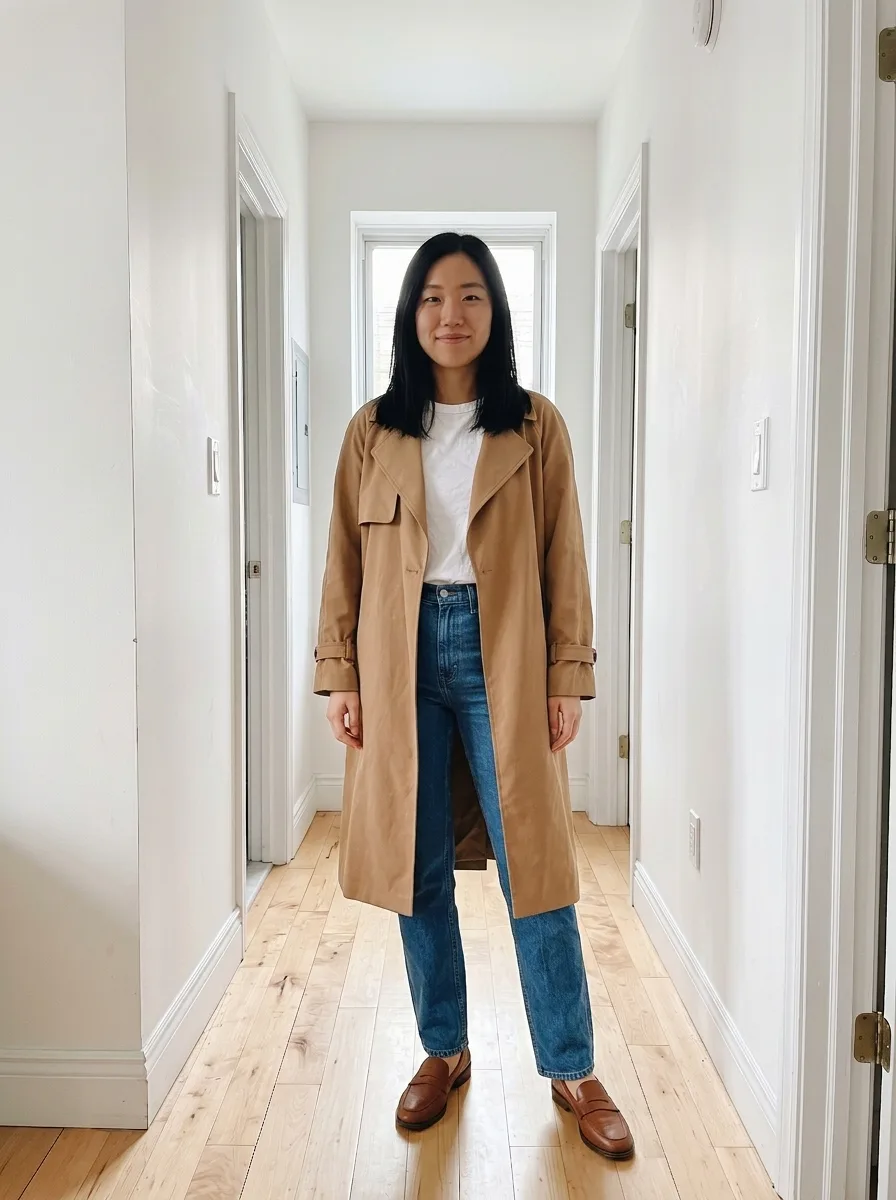
How to use ChatGPT Try On
Since October 1, 2026, ChatGPT shows a Try on button on clothing and accessory listings, on the web and in its apps.
- Ask ChatGPT to find something, like “a camel trench coat for fall.”
- Tap a listing, then tap Try on.
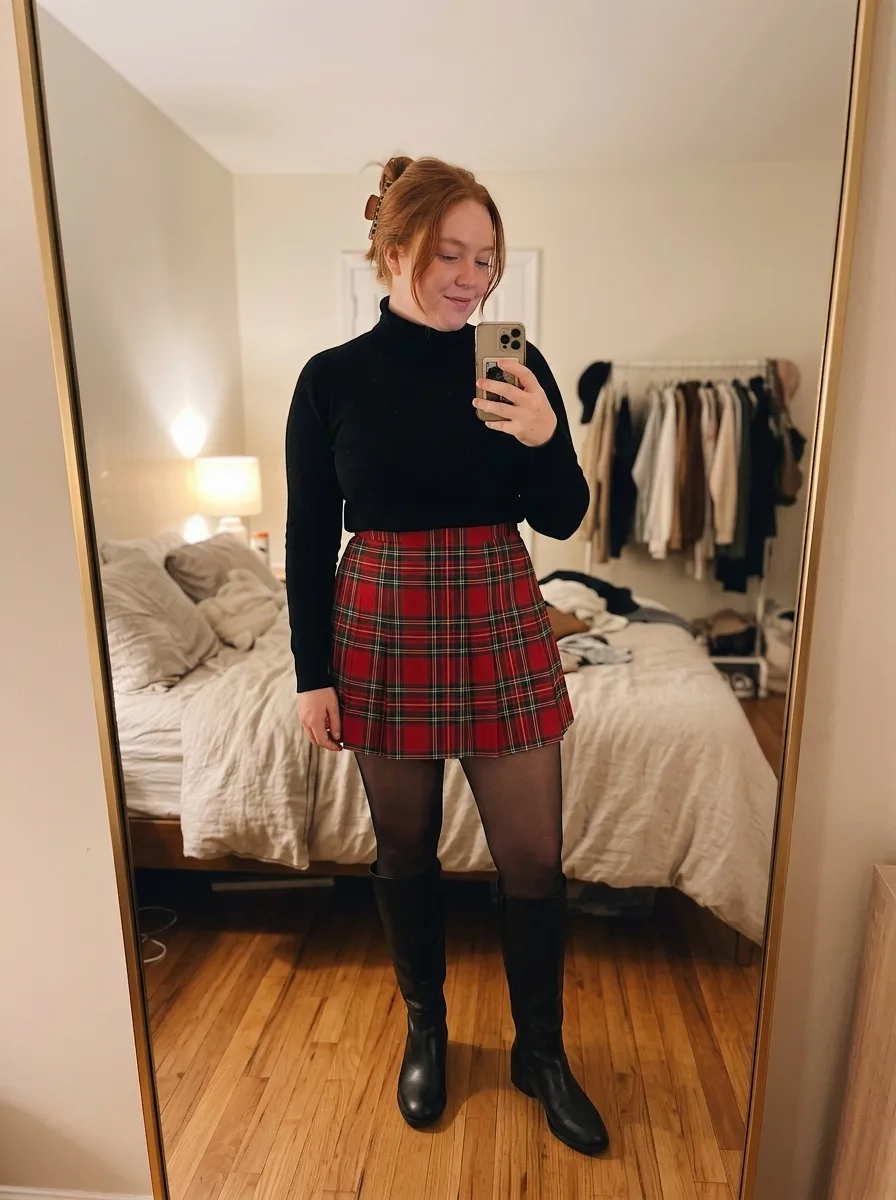
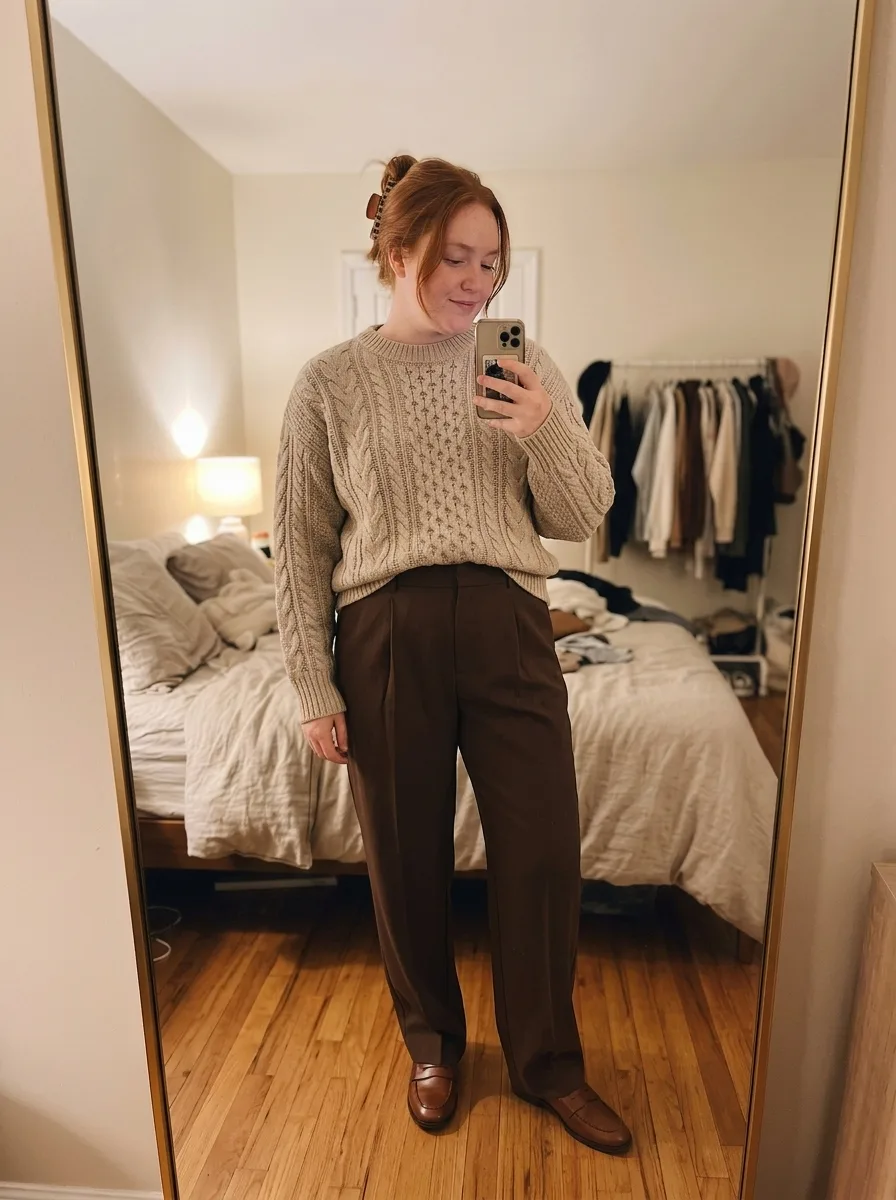
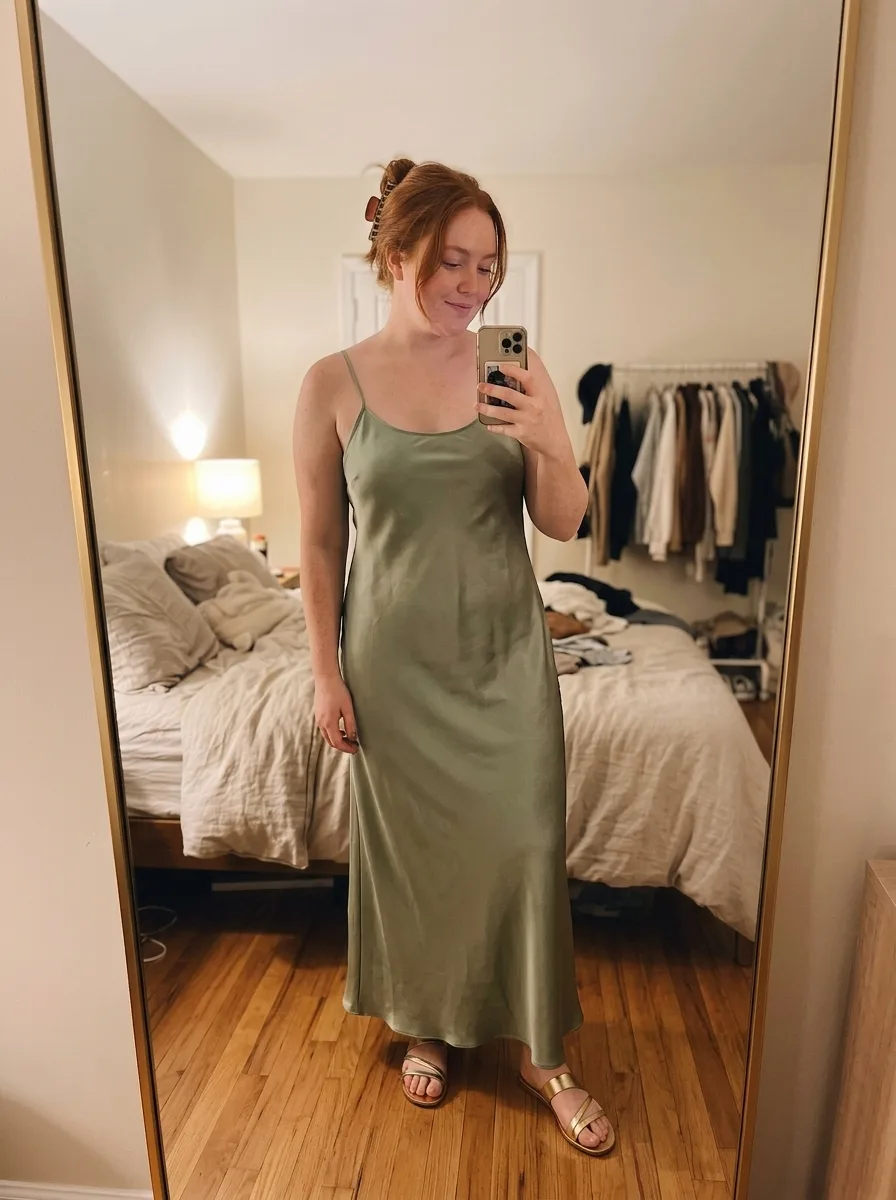
- Add a selfie or a full-length photo. ChatGPT makes an image of you wearing the item.
For a piece you found somewhere else, upload a screenshot of it and ask ChatGPT to try it on you. For more control, attach your own photo too and use the prompt below.
How to do it in Gemini
Google suggests giving Gemini a photo of yourself along with screenshots of things you’re thinking of buying.
- Open the Gemini app or gemini.google.com.
- Attach a full-length photo of yourself and a screenshot of the piece. Add more screenshots to build a whole outfit.
- Paste the prompt below.
- Change one thing at a time in follow-up messages, like swapping the coat for a denim jacket.
A Gemini try-on prompt
Attach your photo first and the clothes second, then paste this and fill in the brackets. It works in ChatGPT too. Expect to adjust it.
Image 1 is a photo of me. Image 2 shows a [camel trench coat]. Edit image 1 so I’m wearing the [trench coat] from image 2, [worn open over my own clothes]. Keep my face, hair, skin tone, body shape, pose and background exactly as they are. Match the item’s color, fabric, length, collar, buttons and any pattern from image 2, and fit it naturally to my body at my current size. Don’t change anything else, don’t add accessories, and don’t make me look slimmer or taller.
Follow-ups that help:
- “The sleeves are too long. Make them end at my wrist, like in image 2.”
- “Keep everything else, but swap the trousers for the ones in image 3.”
- “Keep the outfit and show me from head to toe.”
When a chatbot is enough
- You already use one. ChatGPT and Gemini both have free tiers.
- You’re on Android or a computer.
- You want to combine pieces from several pictures. Gemini can, and ButtonUp makes one look from one picture.
- It’s a one-off, like a single coat you’re deciding on.
When an app is easier
We make ButtonUp. If you try things on often, it saves the steps. You share an outfit to it from Pinterest, Instagram, TikTok or Safari, with no prompt to write. It’s iPhone only.
What happens to your photo
ChatGPT keeps your photo for later try-ons until you delete it under Settings → Personalization → Reference photos.
Images from personal accounts can be used for training unless you opt out, Engadget reports. The switch is “Improve the model for everyone” under Settings → Data controls.
ButtonUp keeps your photo so you can reuse it, and shares it with the service providers that make your looks. Its privacy policy says what’s kept.