'%3e%3ccircle%20data-source-pos='287:16-287:64'%20data-source-name='circle'%20cx='200'%20cy='200'%20r='164'%20fill='%237b07f2'%20mask='url(%23outer-ring-mask)'%3e%3c/circle%3e%3ccircle%20data-source-pos='292:16-292:72'%20data-source-name='circle'%20cx='200'%20cy='200'%20r='131.2'%20fill='%237b07f2'%20mask='url(%23inner-circle-mask)'%3e%3c/circle%3e%3c/g%3e%3c/svg%3e)
Try on hairstyles before you cut
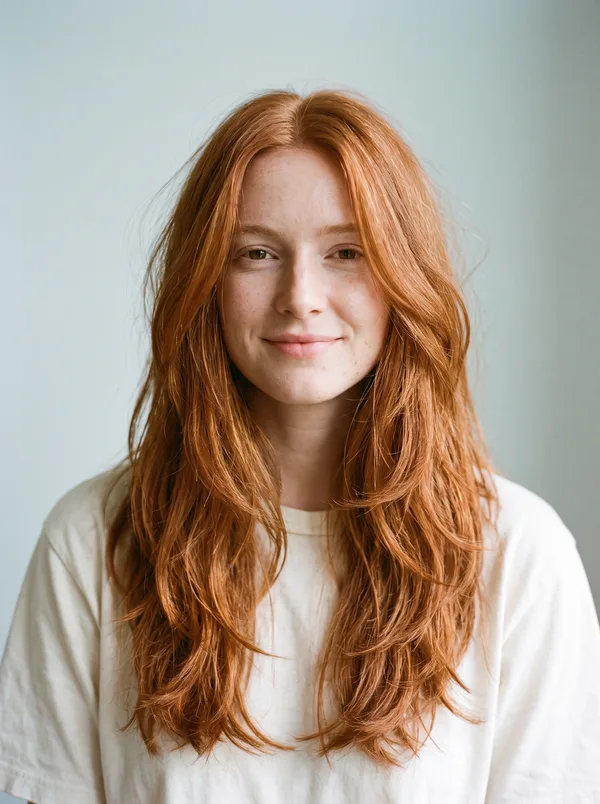
Screenshot a cut or color you like, from Pinterest, Instagram, TikTok or your salon’s page, and see it on a photo of you.

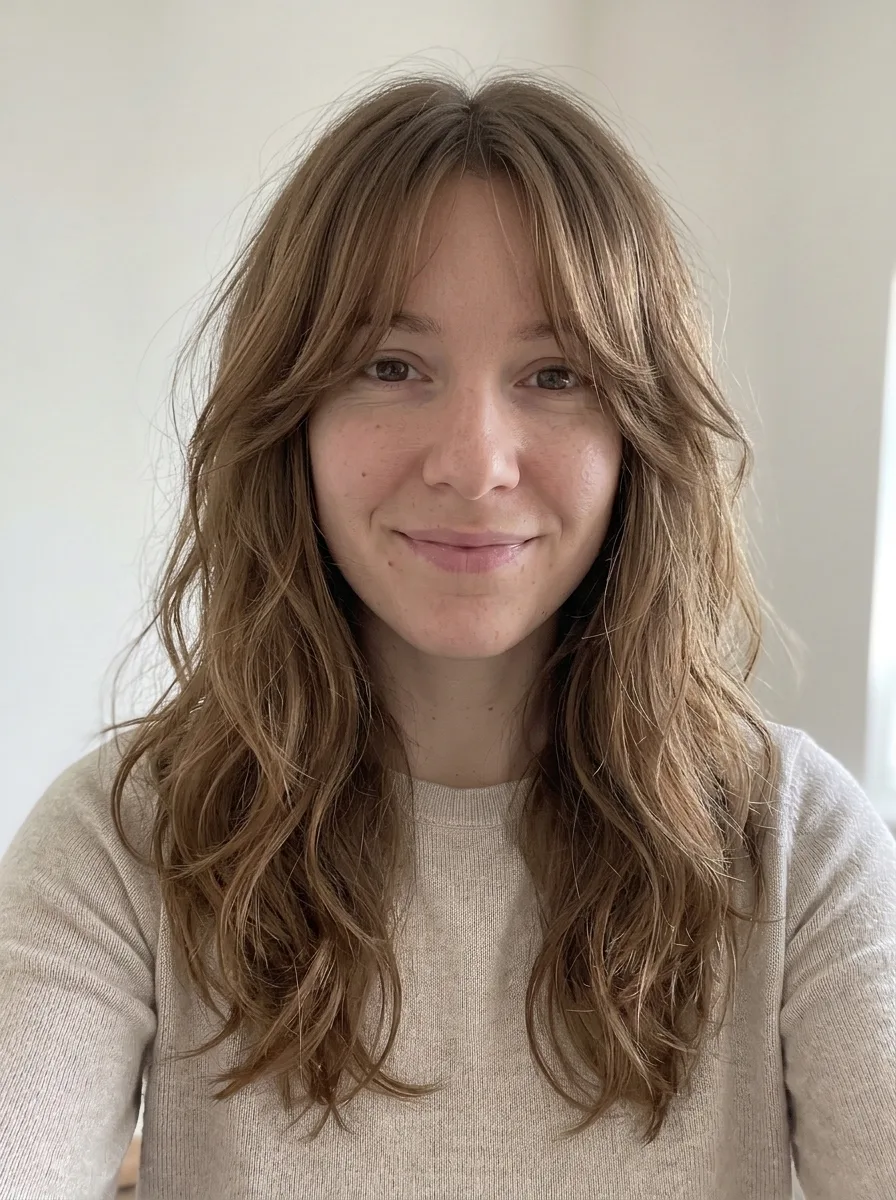

Your photo, plus the cut you want
- 1
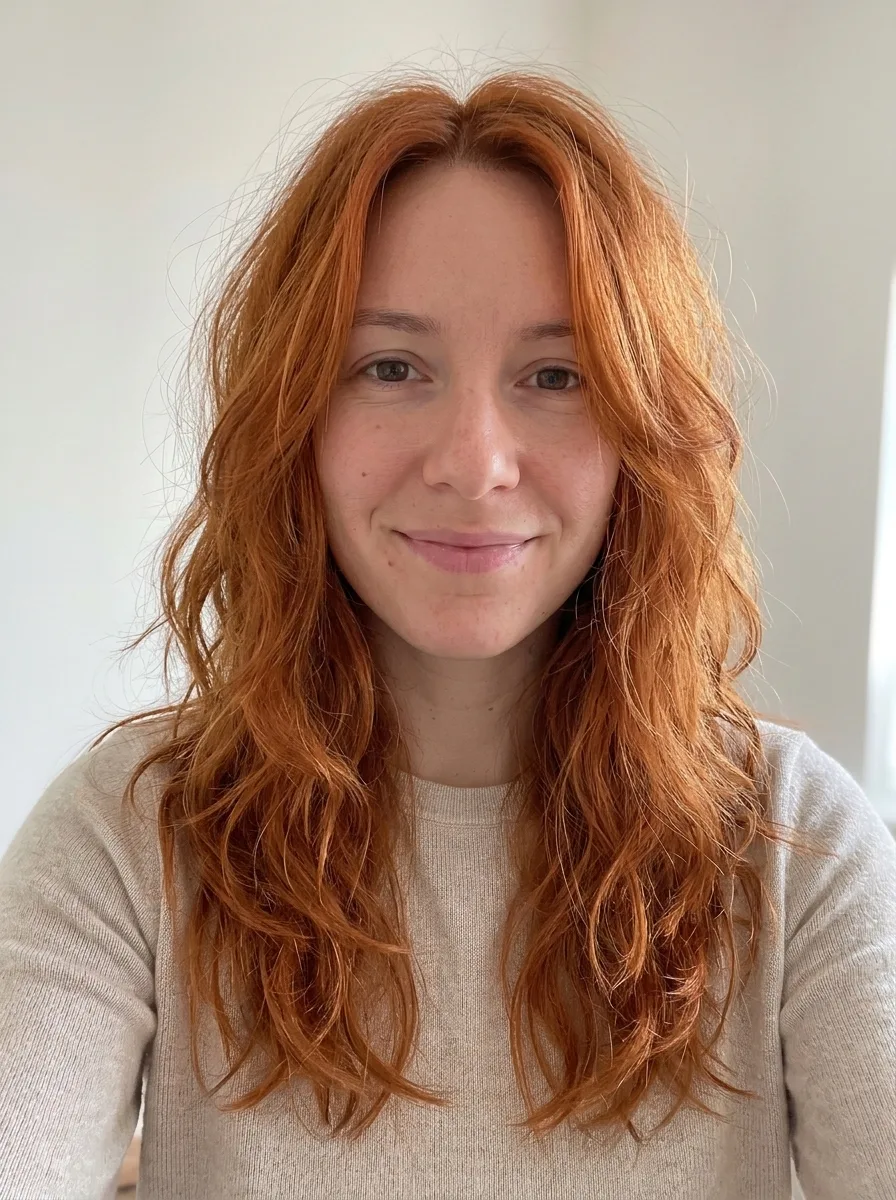
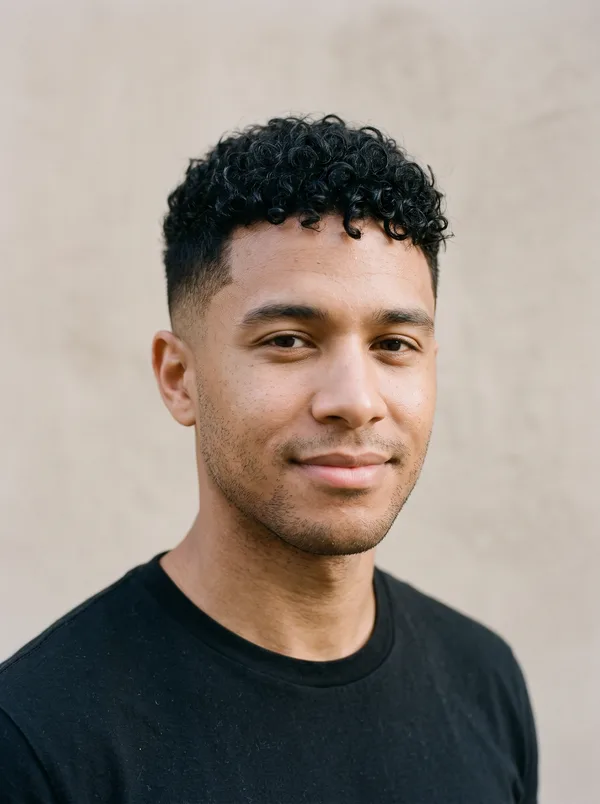
Add a selfie
Head and shoulders is enough for hair. Face the camera in good, even light.
- 2
Screenshot the cut
Or share it to ButtonUp. Photos that face the camera, with the hair in view, work best.
- 3
See it on you
Same face, new hair. Take it to your stylist.
A new cut, or a new color



Questions
Is there an app to try on hairstyles?
Yes. ButtonUp is an iPhone app that puts a hairstyle on a photo of you. Add a head-and-shoulders selfie, then screenshot or share the cut or color you want.
Can I try on bangs before cutting them?
Yes. Screenshot the curtain, blunt or wispy bangs you want, and ButtonUp puts them on your selfie.
Can I try on a new hair color?
Yes. Screenshot someone with the color you want. The cut comes across too, so if you only want the color, pick a photo with a cut close to yours.
Can it tell me which haircut suits my face shape?
No. ButtonUp doesn’t assess your face shape or recommend cuts. It shows the styles you pick on your own photo, so you can compare a few and bring the one you like to your stylist.
Your next favorite outfit is already in your camera roll.
Free to download. Takes about a minute to try your first look.

 or scan with
your iPhone