'%3e%3ccircle%20data-source-pos='287:16-287:64'%20data-source-name='circle'%20cx='200'%20cy='200'%20r='164'%20fill='%237b07f2'%20mask='url(%23outer-ring-mask)'%3e%3c/circle%3e%3ccircle%20data-source-pos='292:16-292:72'%20data-source-name='circle'%20cx='200'%20cy='200'%20r='131.2'%20fill='%237b07f2'%20mask='url(%23inner-circle-mask)'%3e%3c/circle%3e%3c/g%3e%3c/svg%3e)
Try on wedding guest dresses before you order
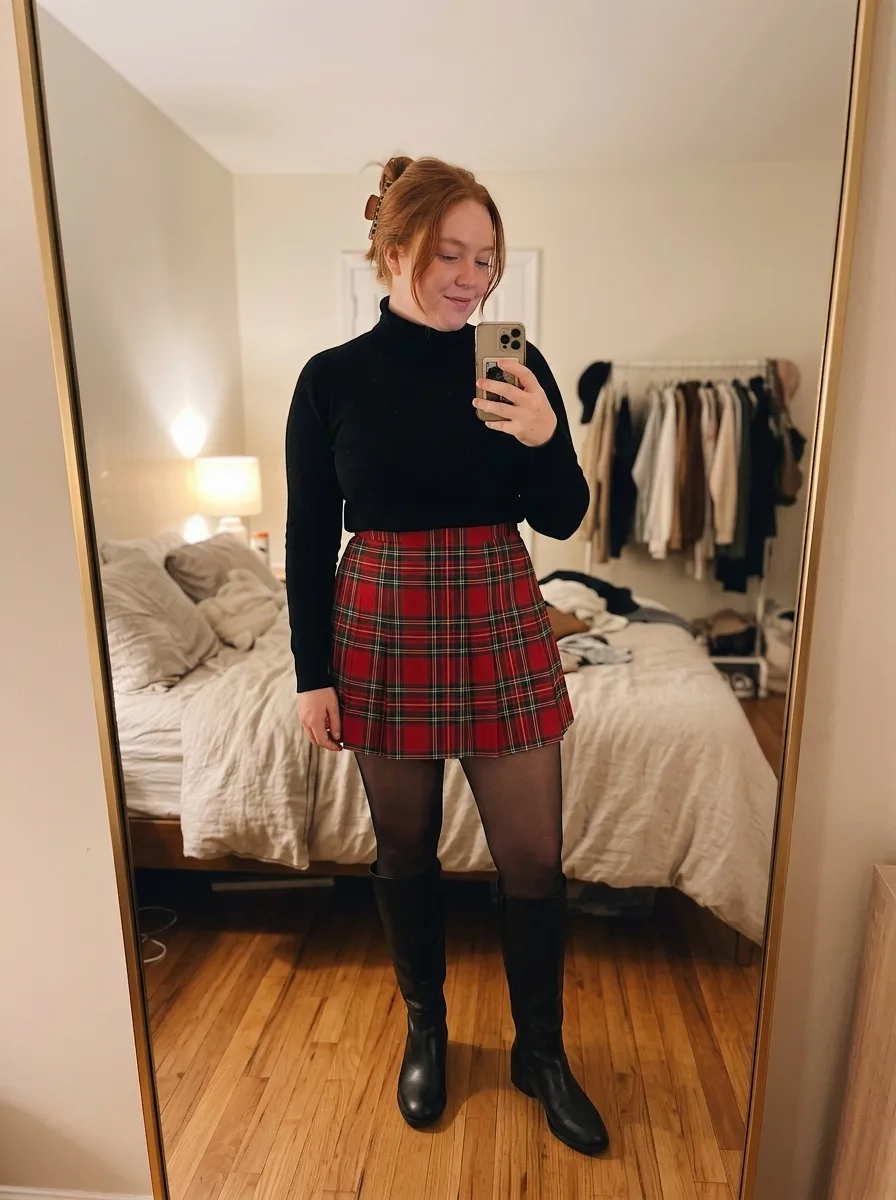
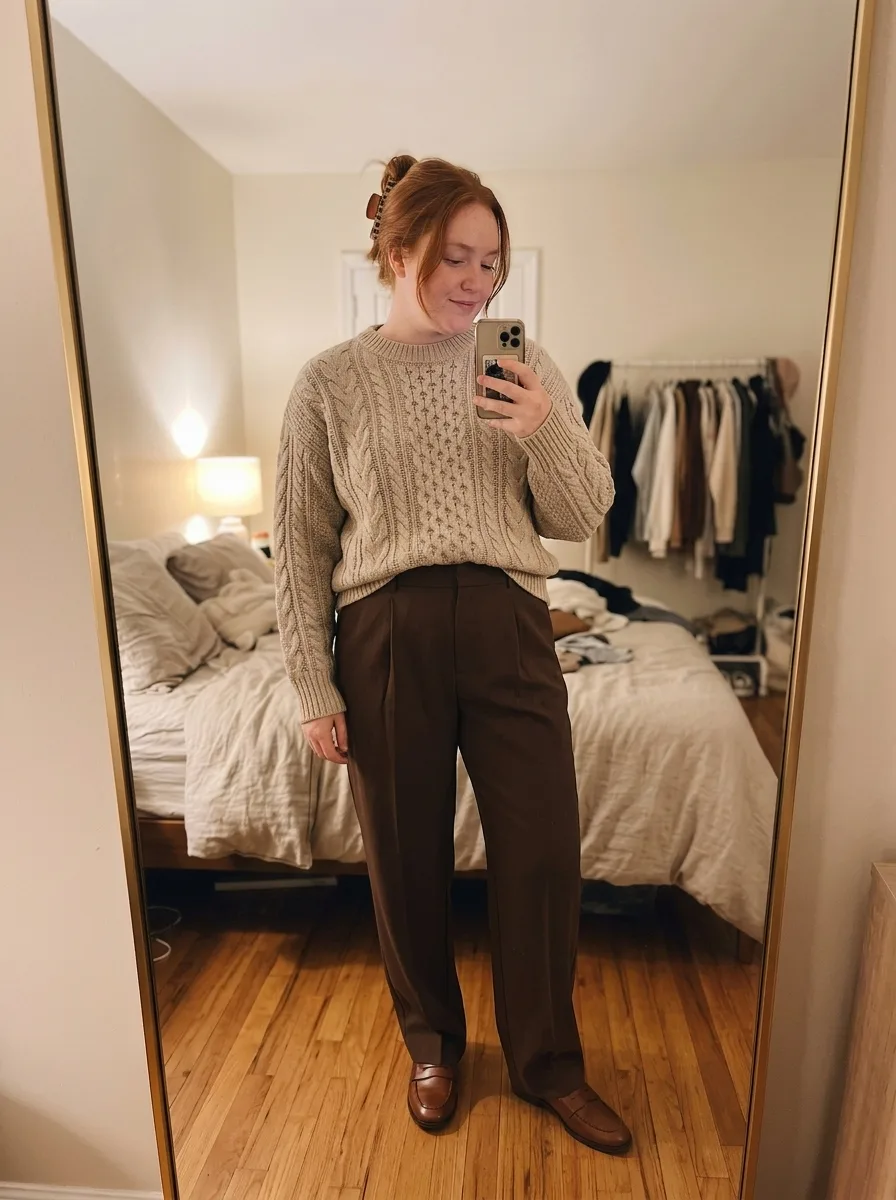
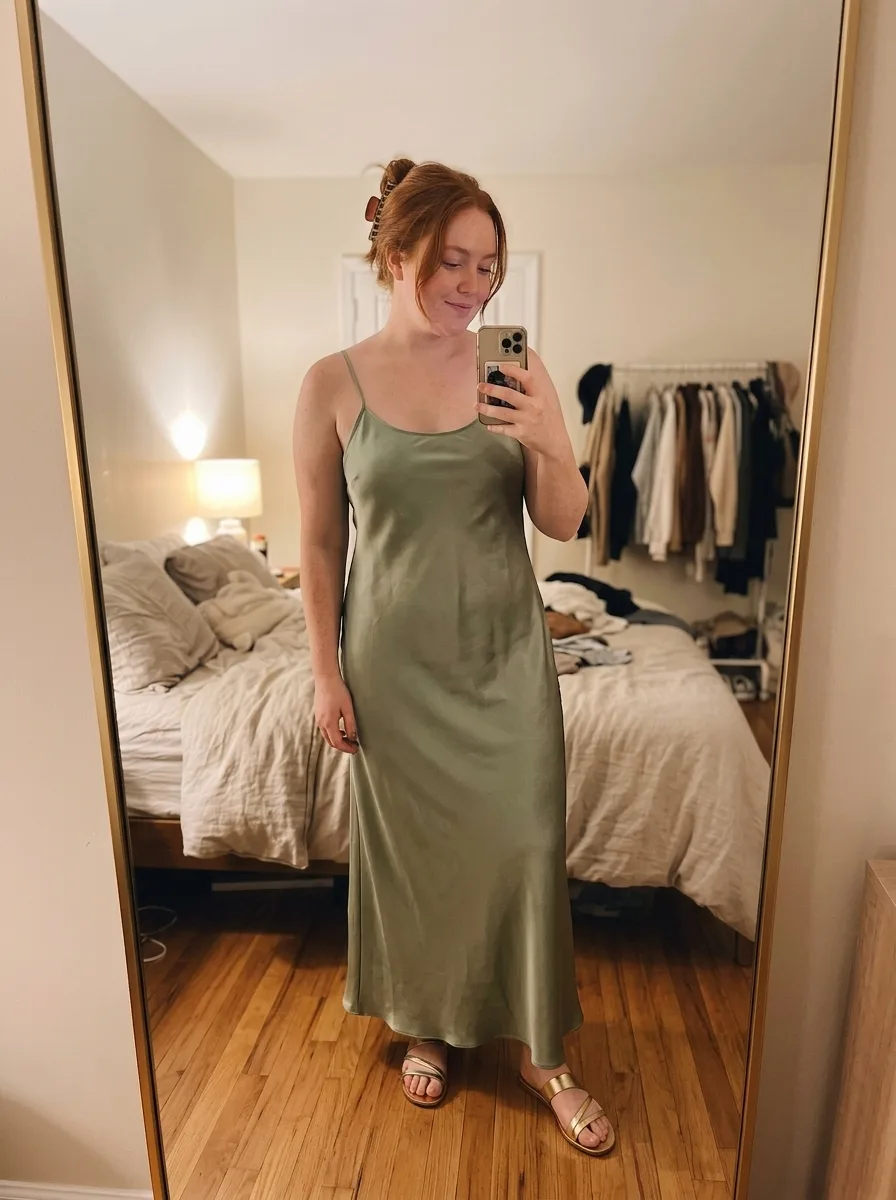
Screenshot the dresses you’re choosing between. ButtonUp puts each one on a photo of you, so you can see which suits you.
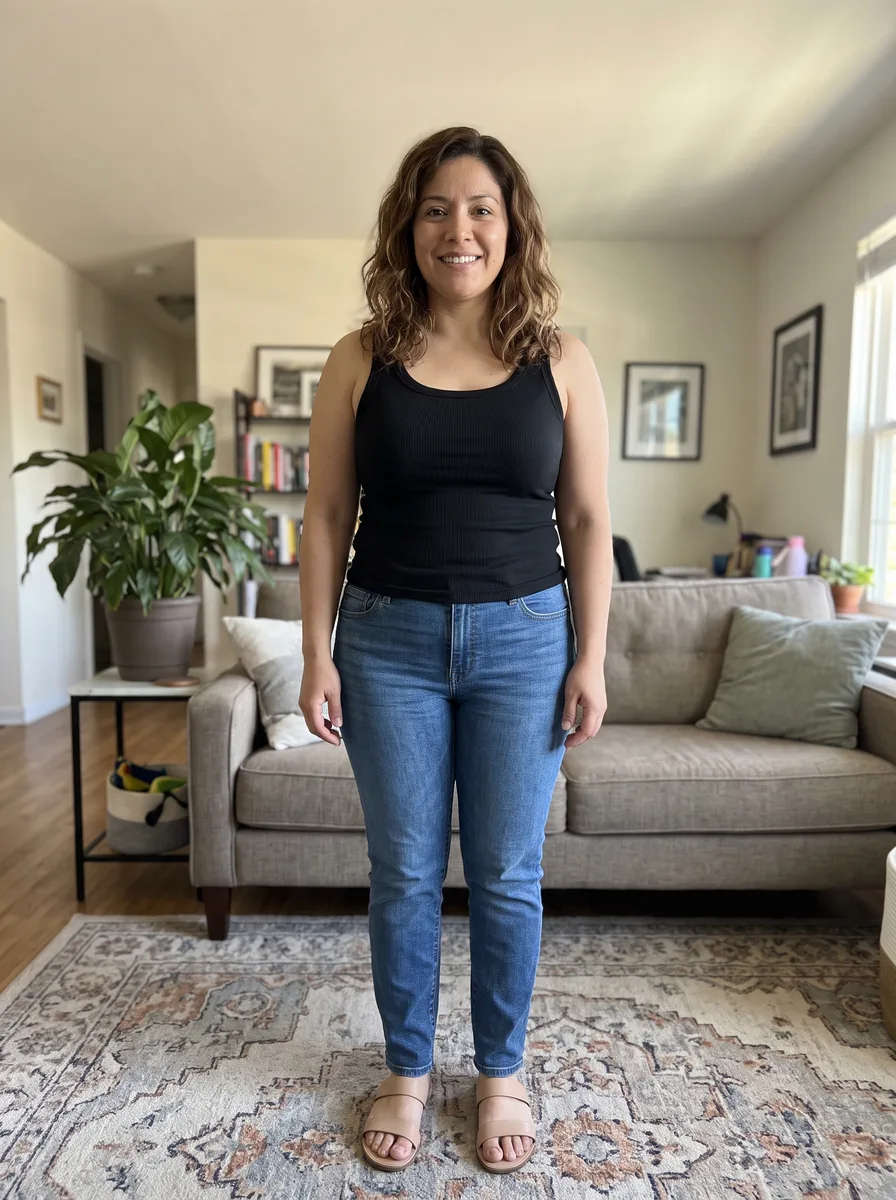
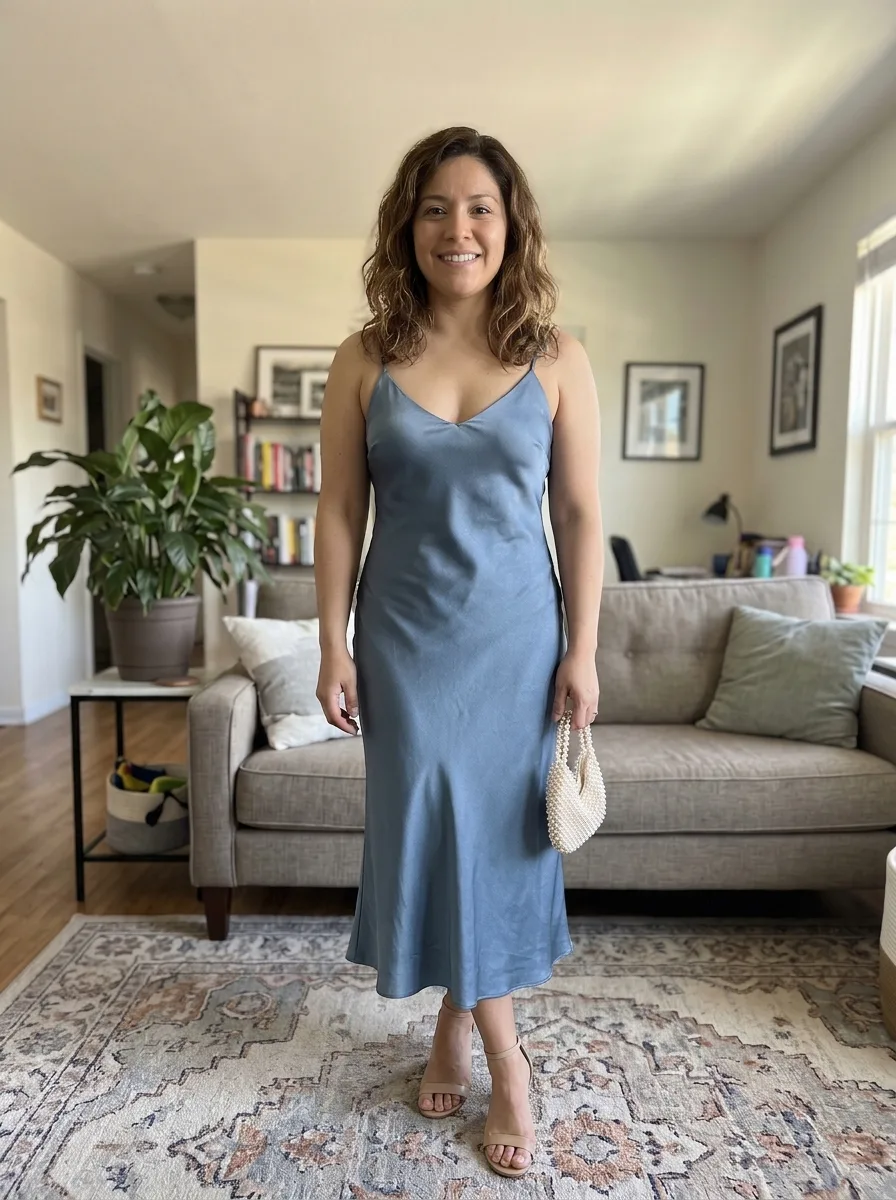
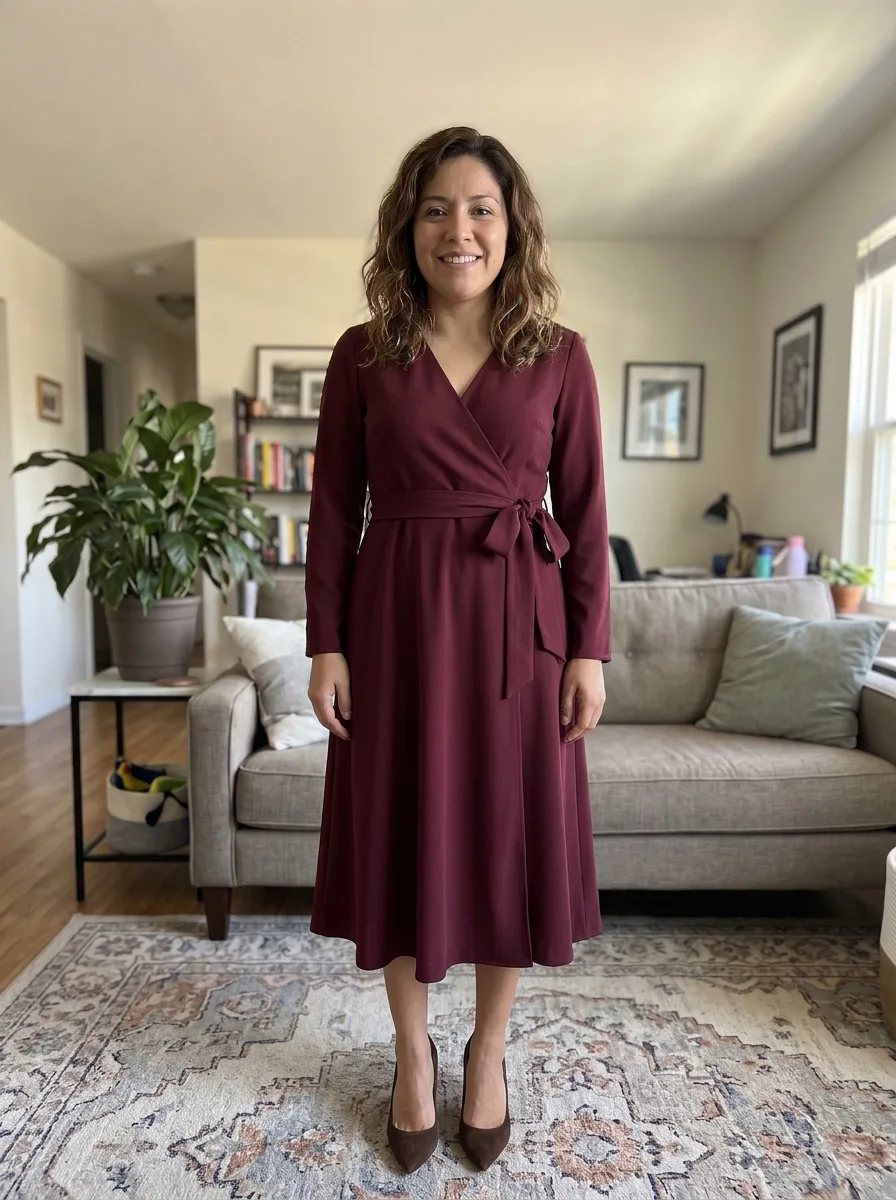
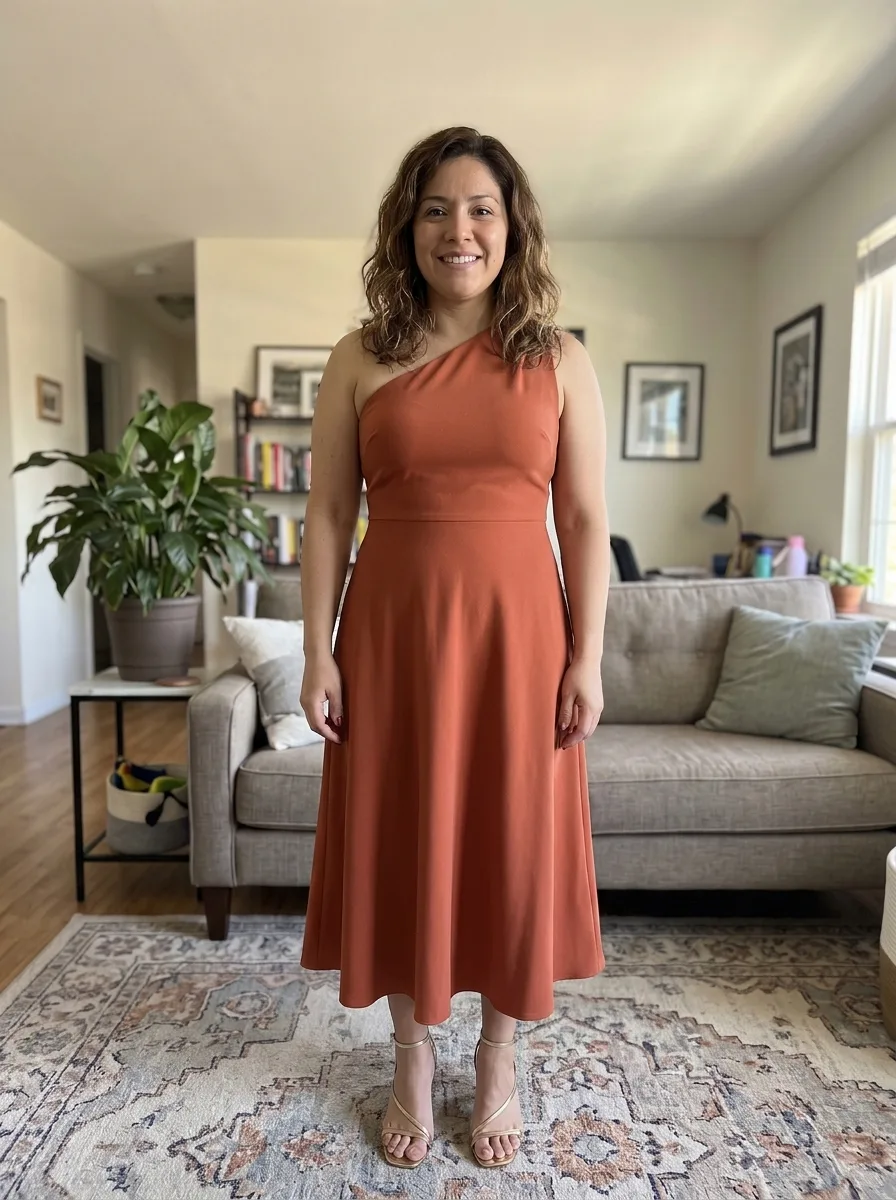
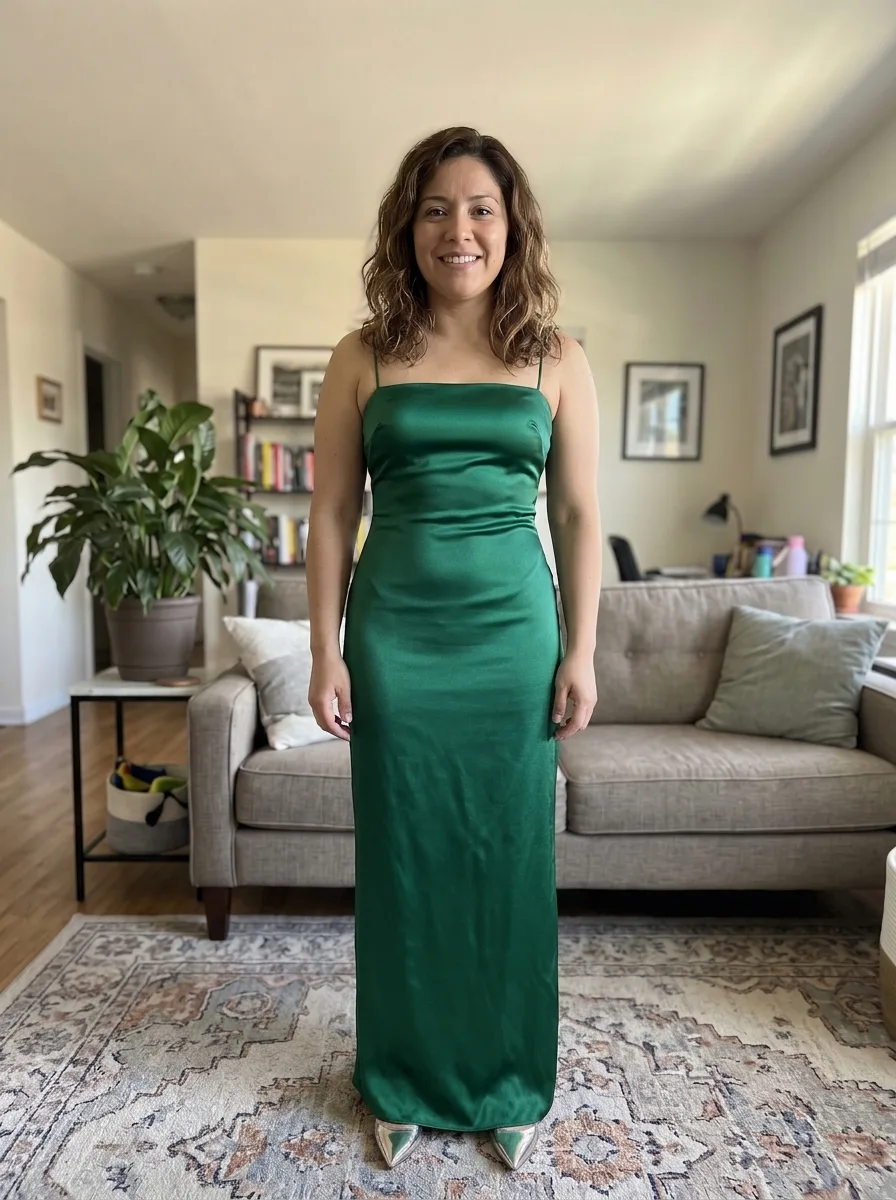
Your photo, plus the dress
- 1
Add a photo of you
A full-length photo, head to feet, so you can see where each hem falls.
- 2
Screenshot the dress
From the shop, the rental site or a pin. Or share the page to ButtonUp.
- 3
See it on you
Each dress lands on your photo in seconds, in the same pose.
Line them up, then choose
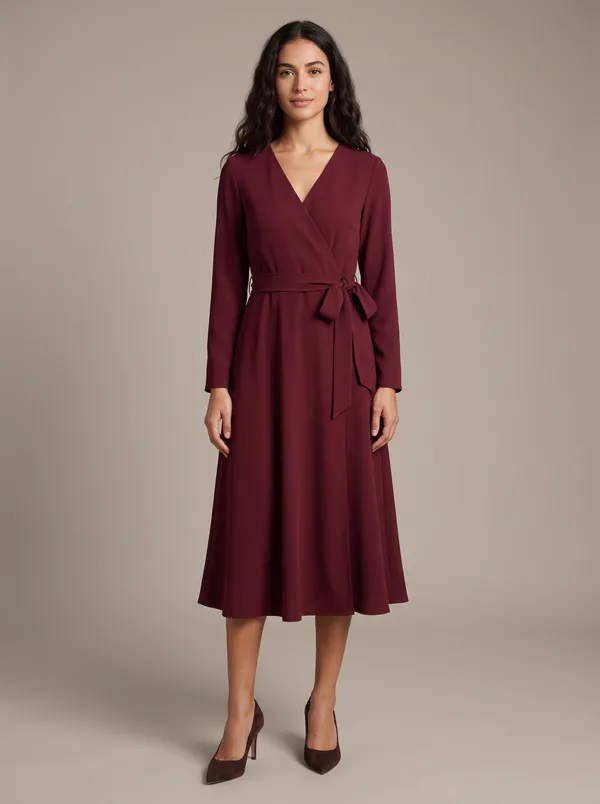
Fall wedding
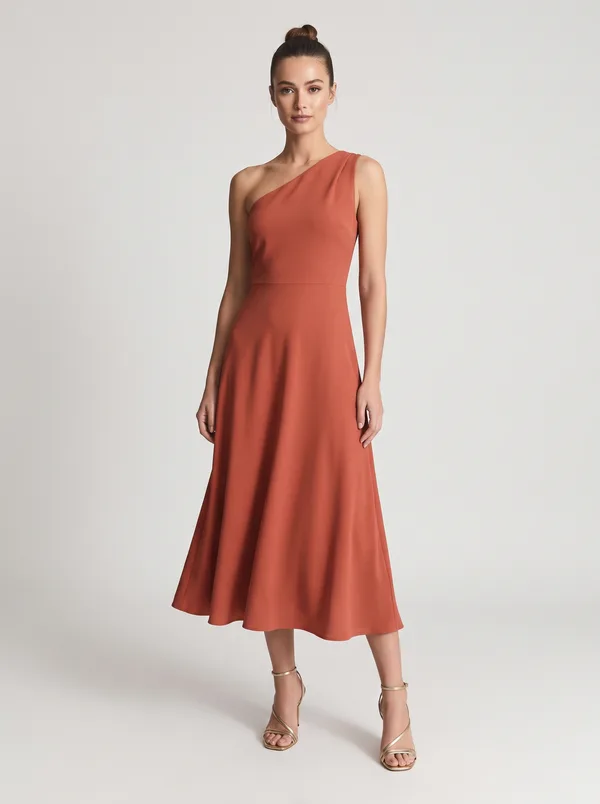
Cocktail
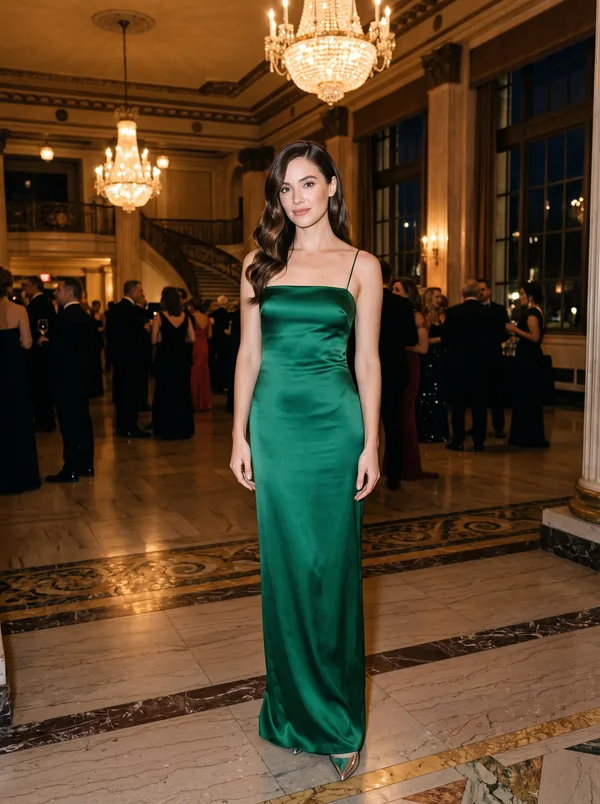
Black tie

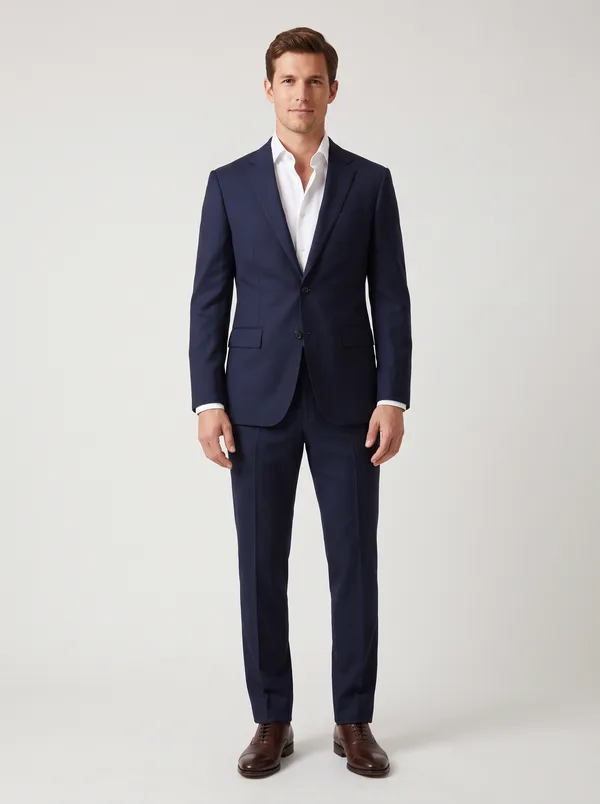
Cocktail, tie optional
What the dress code means
The invitation or wedding website often names a dress code. It tells you the length and how dressy to go.
| Dress code | Dress | Fabric | Men |
|---|---|---|---|
| Casual | Sundress or cotton maxi | Cotton, linen, chiffon | Chinos and a button-down |
| Cocktail or semi-formal | Knee-length or midi | Crepe, satin, lace | Suit, tie optional |
| Formal or black tie optional | Floor-length or dressy midi | Silk, velvet, chiffon, crepe | Dark suit or tuxedo |
| Black tie | Floor-length gown | Satin, silk, crepe | Tuxedo |
No dress code? Go by the venue and the time of day. An evening hotel wedding runs dressier than an afternoon in a backyard. If you’re still unsure, cocktail is the safest guess.
Colors to skip
Skip white, ivory, cream and champagne, including prints on a white background. Check the wedding website too. Some couples share a palette or ask guests to avoid a color.
Judge your shortlist on you
Try each dress on the same photo in ButtonUp, then swipe between the looks. Check three things.
- Color near your face. The right shade makes your skin look bright and even. The try-on copies the color in the picture, so use the shop’s product photo for the true shade.
- Length against the code. Check where the hem lands, then compare it with the table above. A knee-length dress stands out at black tie.
- Neckline and sleeves. Picture the whole day. A religious ceremony may call for covered shoulders. A fall evening outdoors may call for sleeves or a wrap.
Send your top two to a friend for a second opinion.
Other ways to try first
- In a store, if the brand has one near you. Bring the shoes you’ll wear.
- With samples at home. Azazie and other bridal sites mail sample bridesmaid dresses for a small fee.
- In a store’s own app. Some shops have a try-on for the clothes they sell. See which ones.
If you’re renting
You usually can’t try on an online rental until it arrives. Rent the Runway includes a free backup size with its 4- and 8-day rentals. Settle the style on your photo first, then book.
Questions
Can I wear black or red to a wedding?
Usually. Black is widely worn now, especially in the evening. Red draws attention, and in some cultures it’s the bride’s color. If you’re unsure, ask the couple.
Can I try on dresses while I’m pregnant?
Yes, but the try-on keeps your body as it is in the photo. If the wedding is months away, expect a bigger bump by then. Wrap dresses, stretch fabrics and empire waists leave room.
Can I try on a suit for a wedding?
Yes. Use a full-length photo and a picture of the whole suit, jacket and trousers together. Each look comes from one picture, so separate pieces can’t be combined.
Can a try-on tell me what size to order?
No. It shows the color, cut and length on your photo, but it doesn’t know your measurements. Check the size chart and fit reviews, and order early enough to exchange.
Your next favorite outfit is already in your camera roll.
Free to download. Takes about a minute to try your first look.

 or scan with
your iPhone