'%3e%3ccircle%20data-source-pos='287:16-287:64'%20data-source-name='circle'%20cx='200'%20cy='200'%20r='164'%20fill='%237b07f2'%20mask='url(%23outer-ring-mask)'%3e%3c/circle%3e%3ccircle%20data-source-pos='292:16-292:72'%20data-source-name='circle'%20cx='200'%20cy='200'%20r='131.2'%20fill='%237b07f2'%20mask='url(%23inner-circle-mask)'%3e%3c/circle%3e%3c/g%3e%3c/svg%3e)
Try on wedding dresses before your appointments
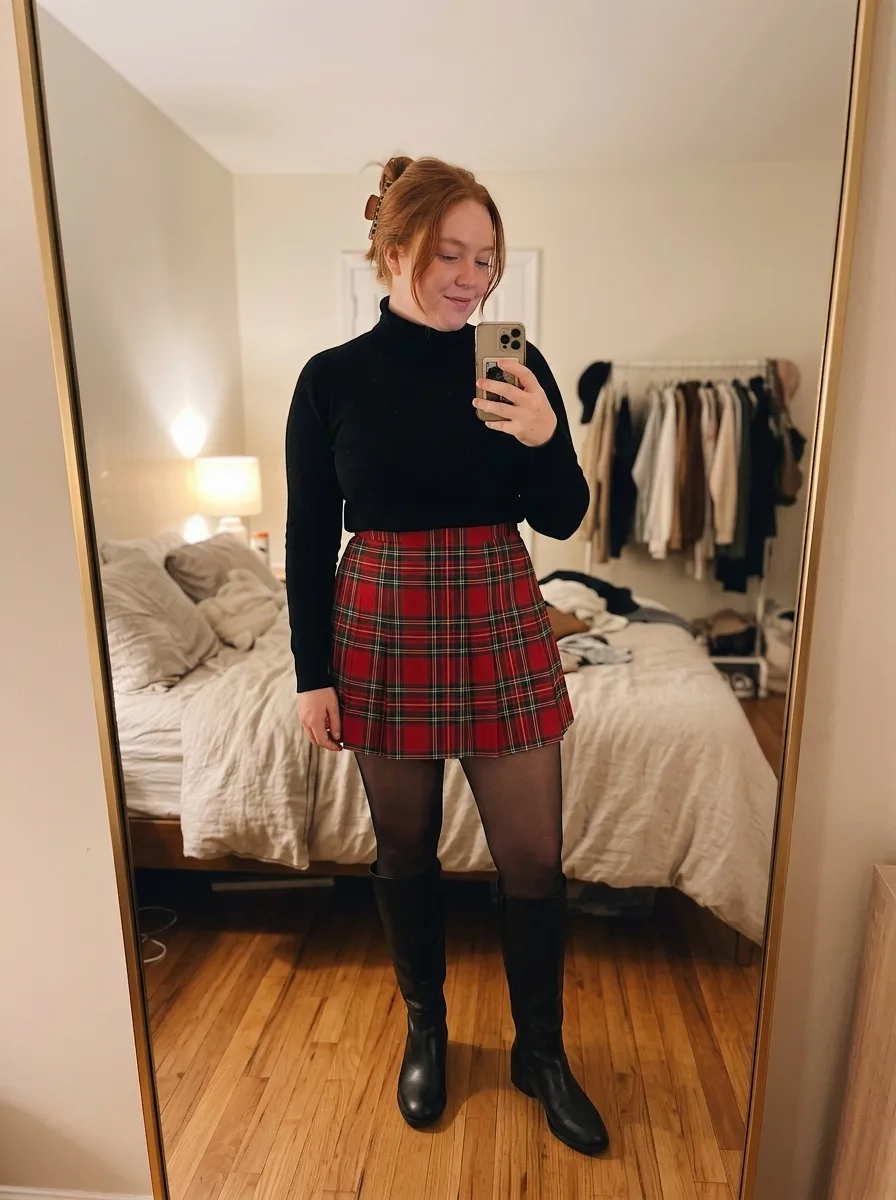
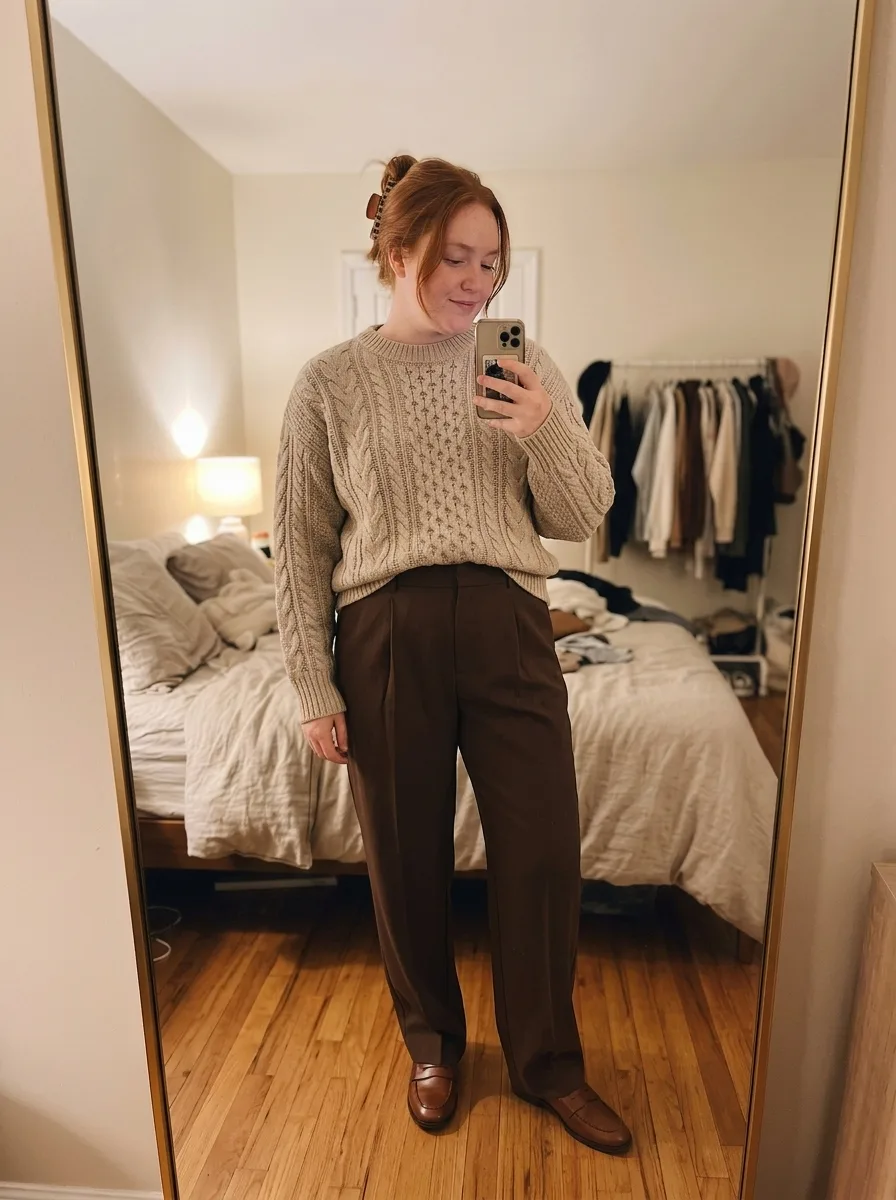
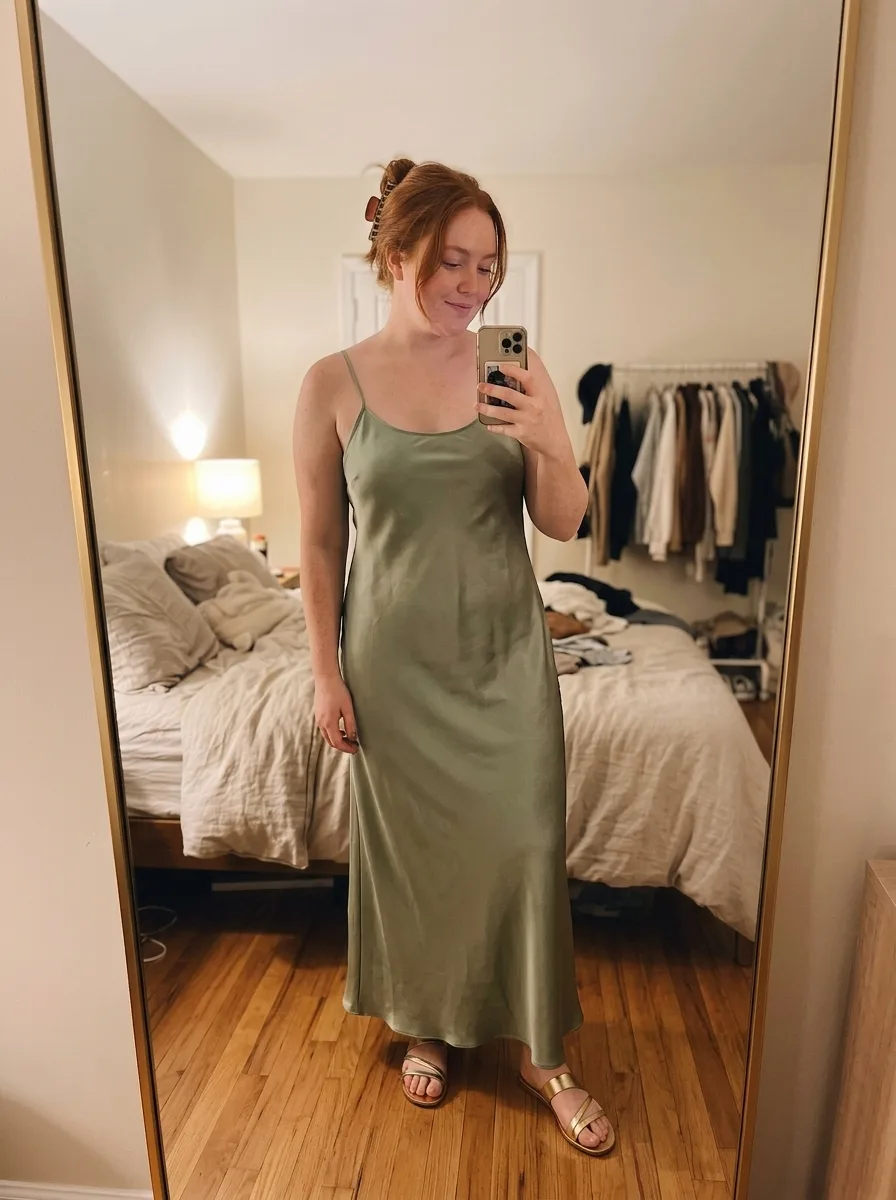
Screenshot a gown you’ve saved, and ButtonUp shows it on a photo of you. Go in knowing which silhouettes to ask for.
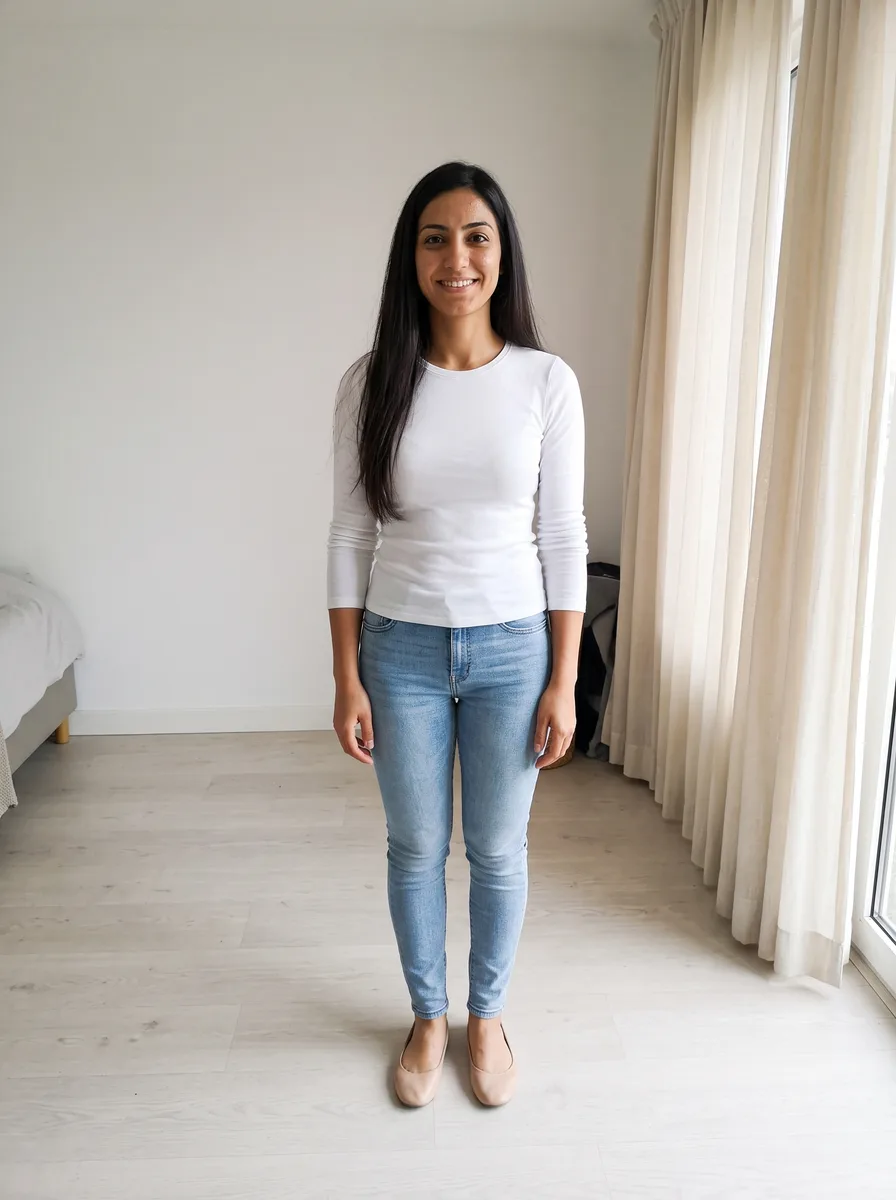
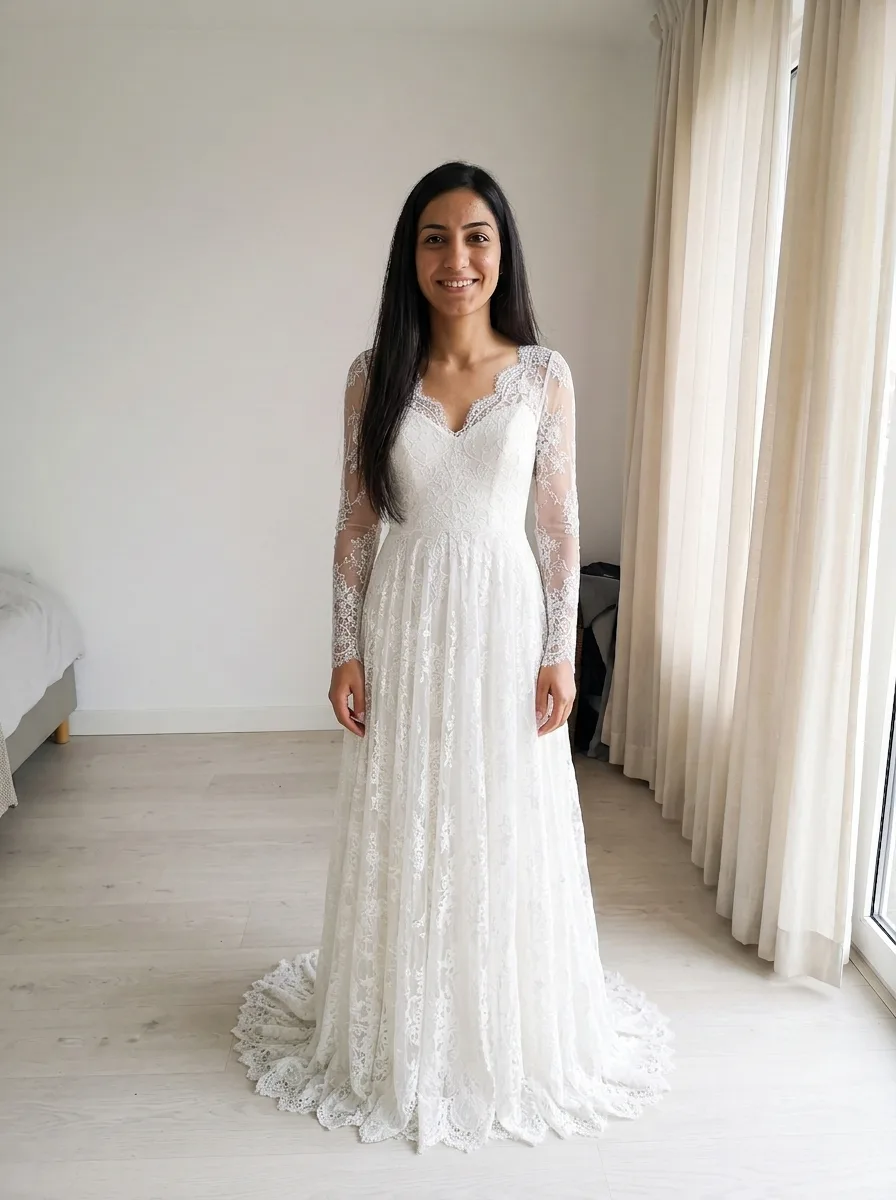
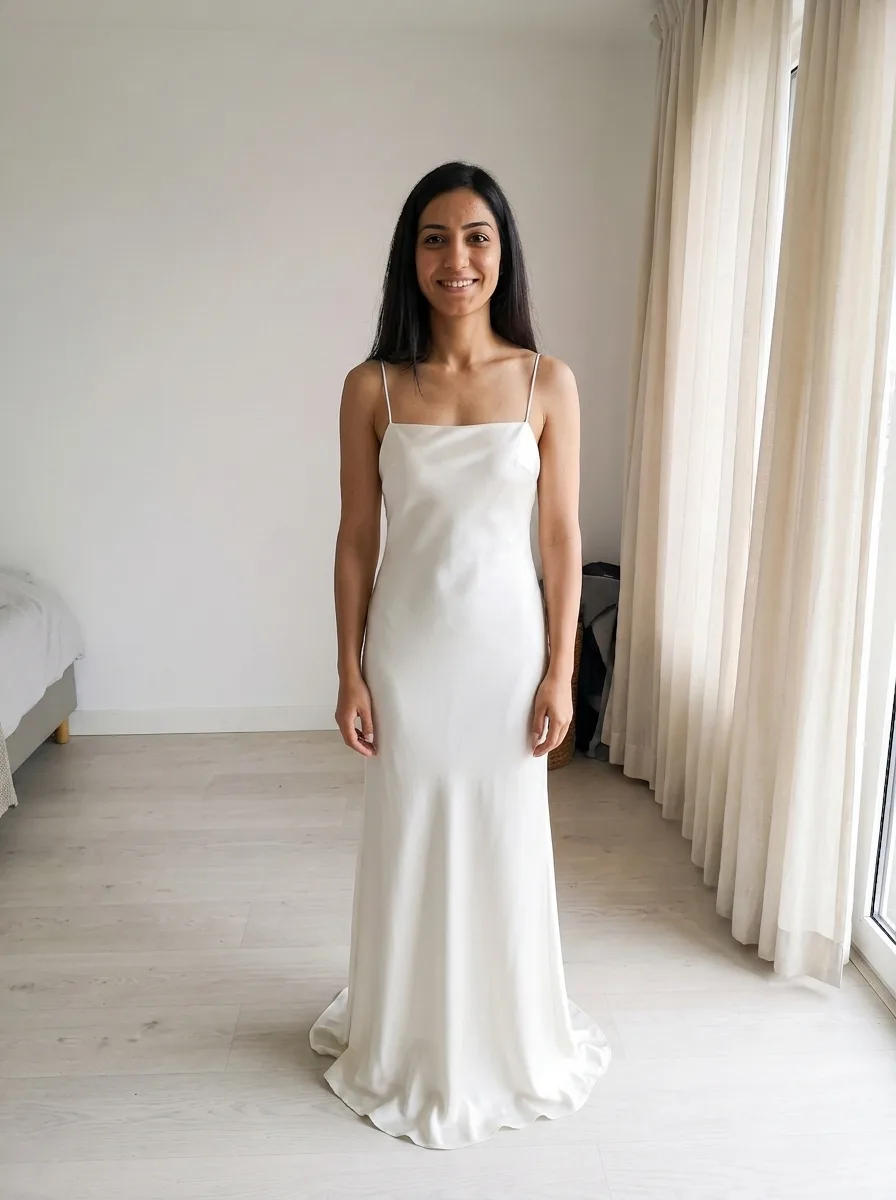
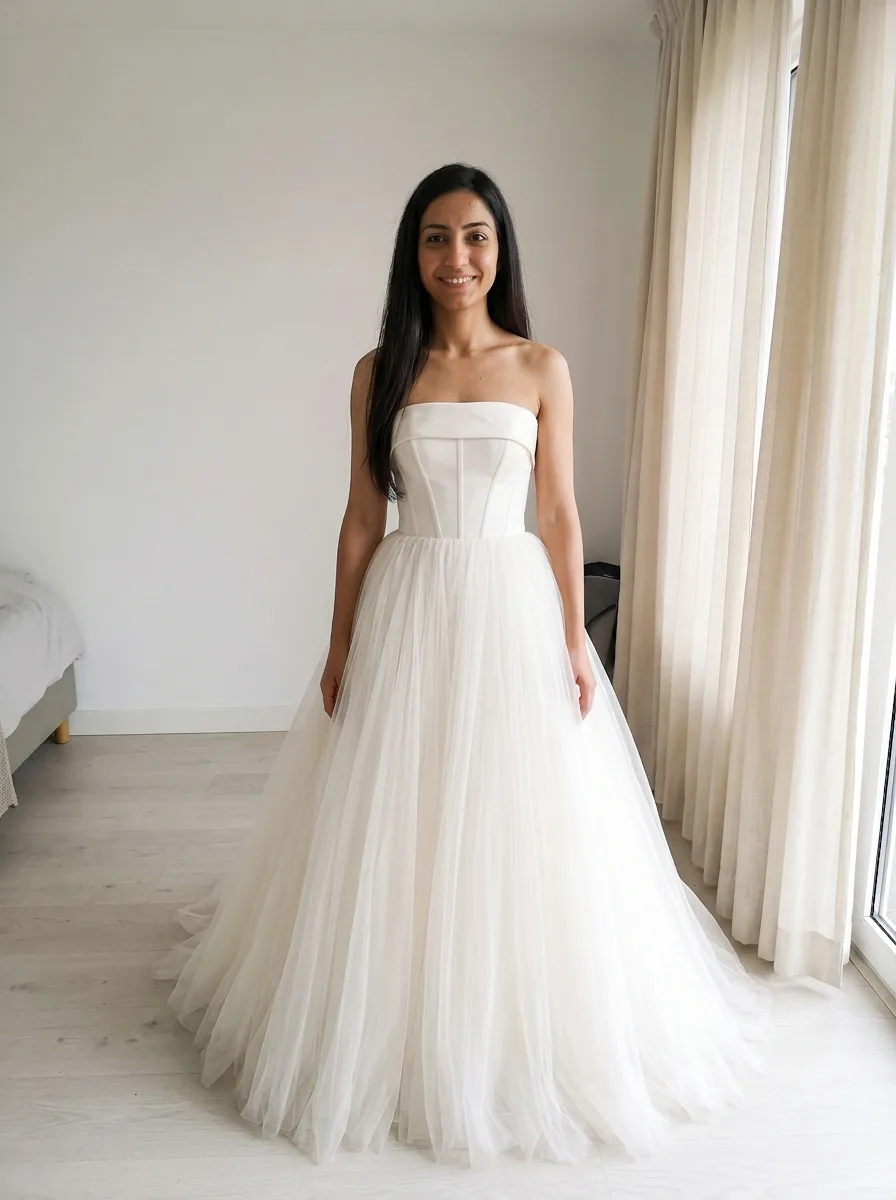
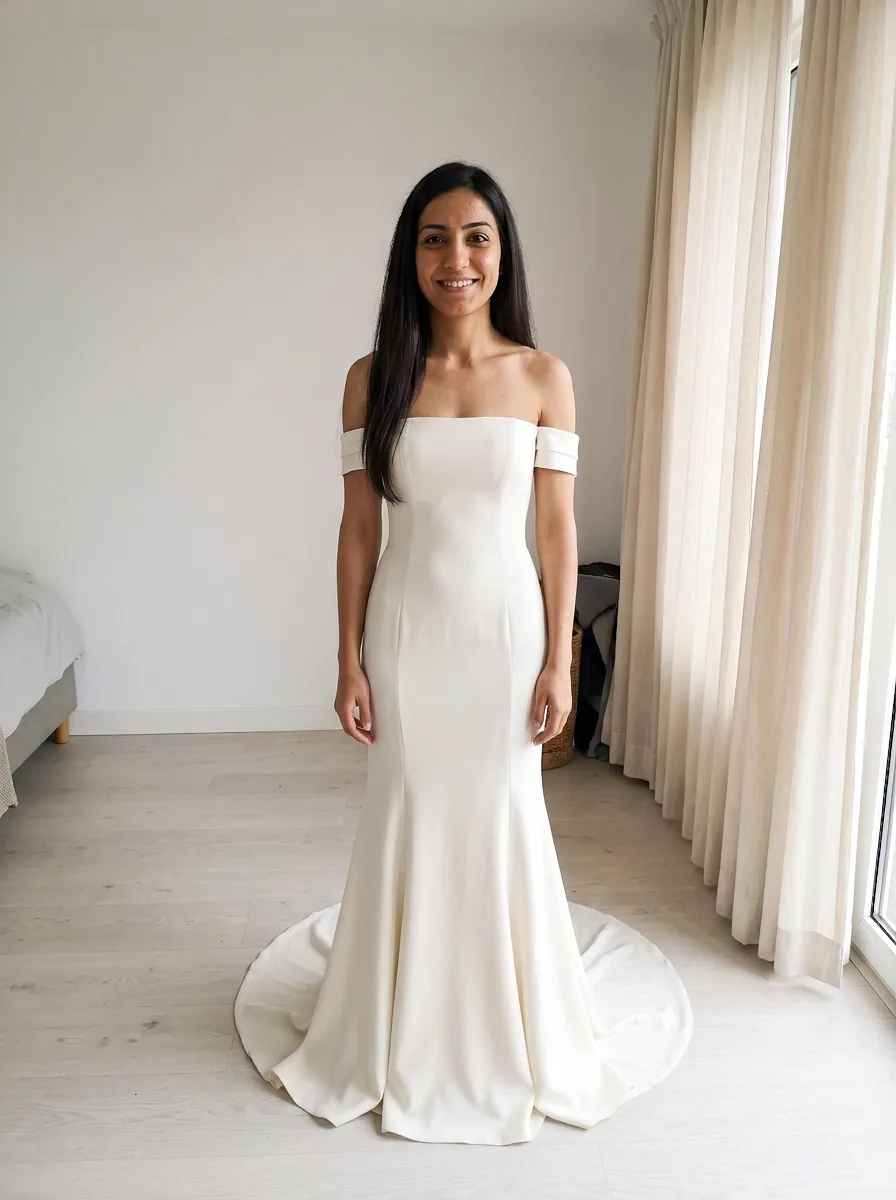
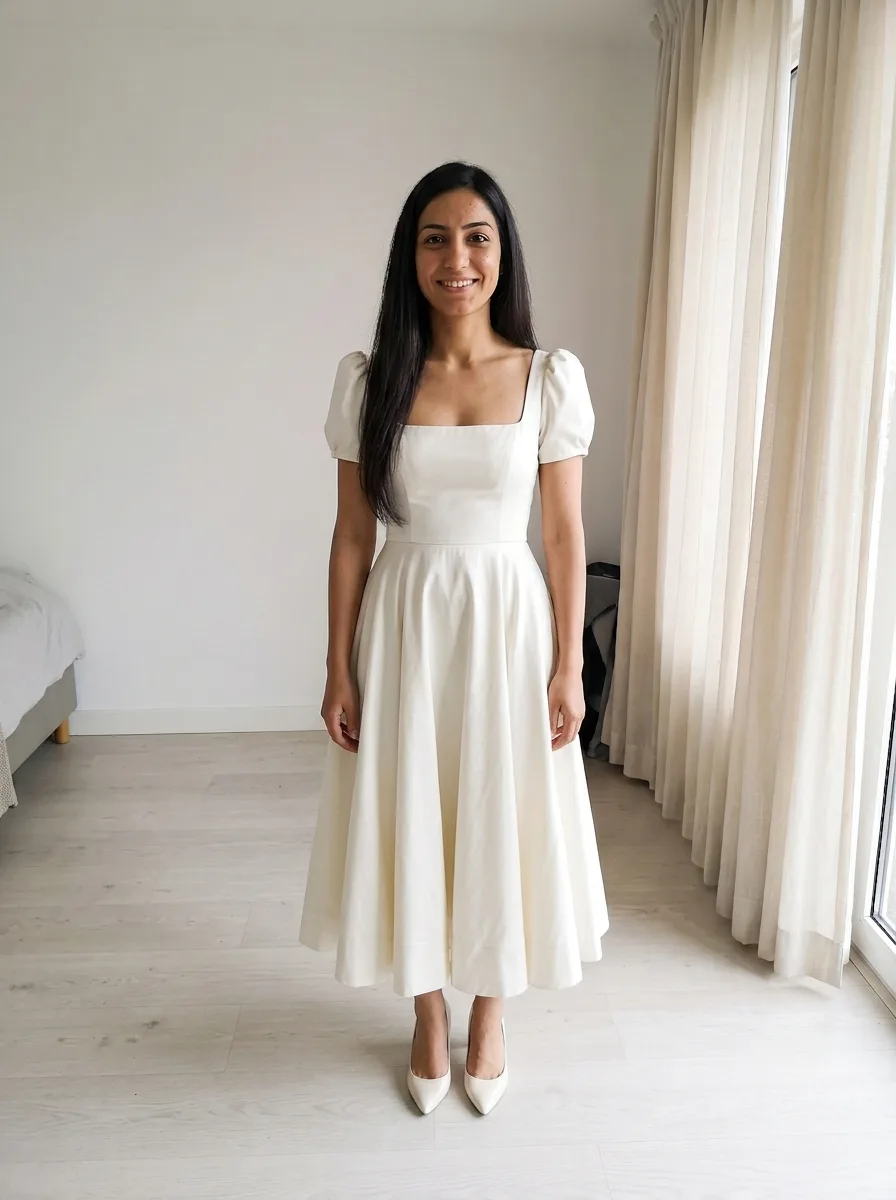
Your photo, plus the gown
- 1
Add a photo of you
A full-length photo, head to feet, so the whole skirt fits in the frame.
- 2
Screenshot the gown
From a pin, a post or a designer’s site. Or share it to ButtonUp.
- 3
See it on you
Same photo, now in the gown. Swipe between looks to compare shapes.
Same photo, four more shapes
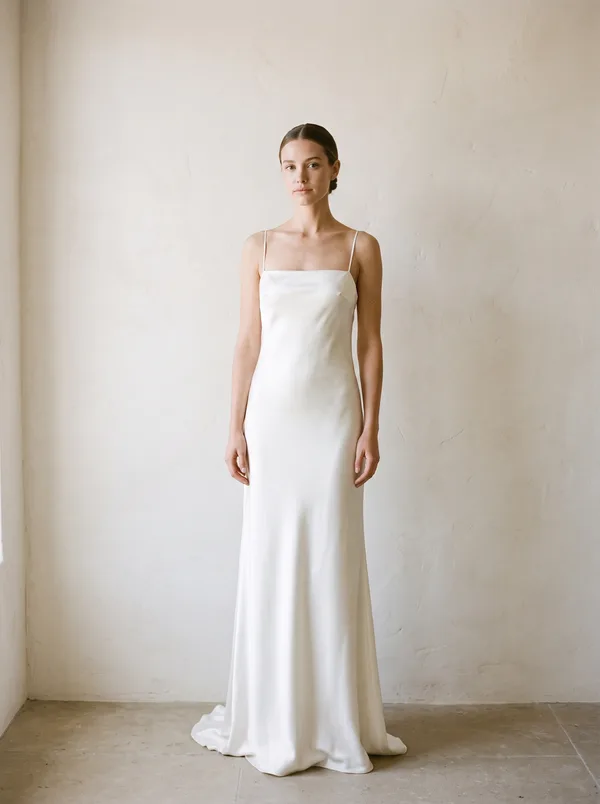
Column
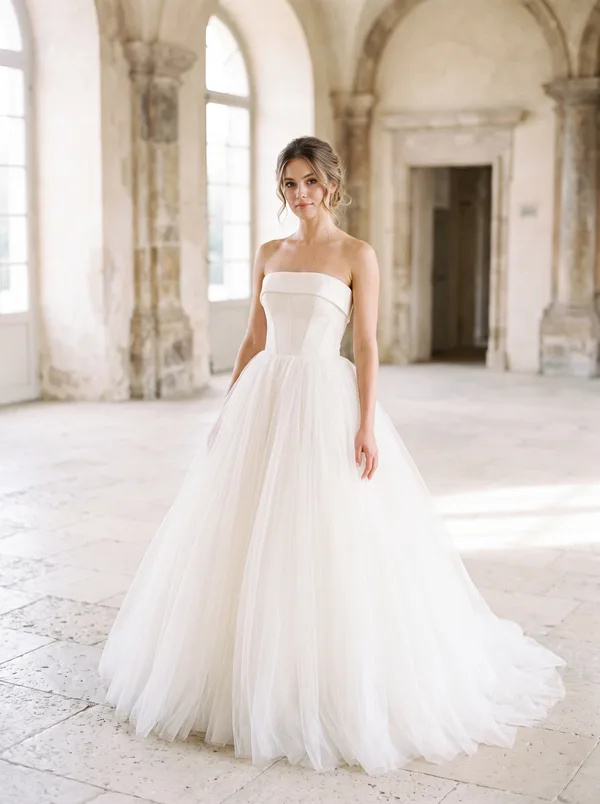
Ball gown
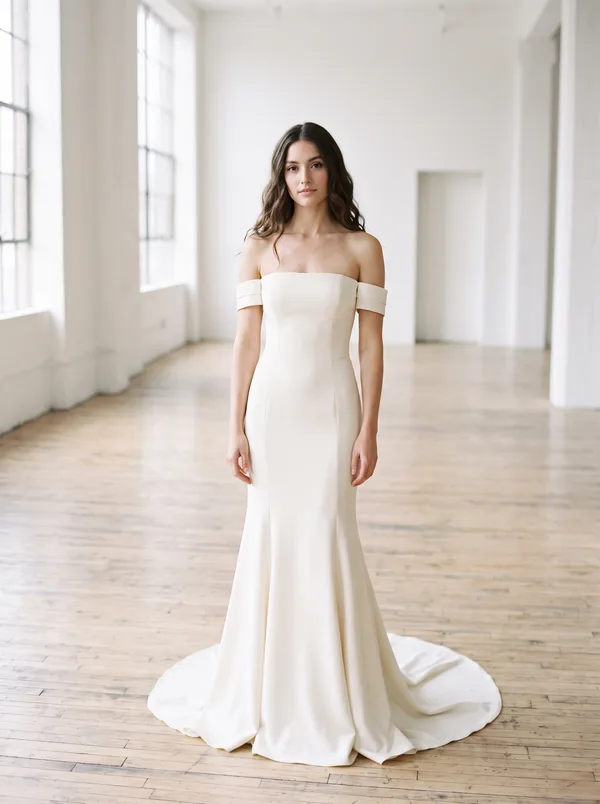
Mermaid
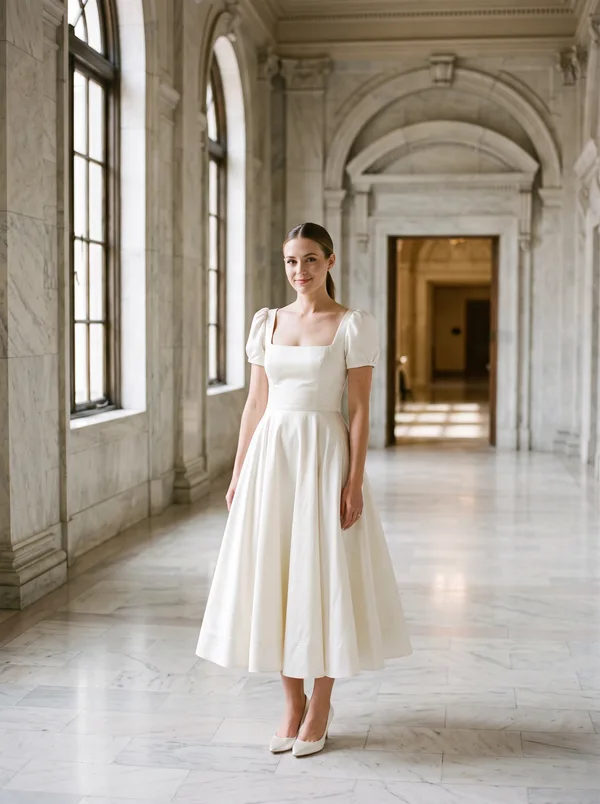
City hall
Start with the silhouette
Settle the shape before the details. Neckline, sleeves and lace are easier to choose once you know it.
| Silhouette | The shape |
|---|---|
| A-line | Fitted bodice, gently widening skirt |
| Ball gown | Fitted bodice, very full skirt |
| Mermaid | Fitted to the knee, then flared |
| Trumpet | Fitted to mid-thigh, then flared |
| Column | Narrow, falls straight down |
Try at least one shape you’d rule out. Morilee hears from many brides who wanted a fitted gown and fell for a ball gown.
Find a gown from a photo
Plenty of pins and posts don’t name the designer. Search the screenshot with Google Lens in the Google app. Look for a designer and a style name or number. Lens also shows lookalikes, which helps if the gown is discontinued.
Once you have a name, use the store locator on the designer’s site. It shows which boutiques near you carry the line. If you can’t find it, bring the picture anyway. A consultant can pull gowns with the same shape.
Before you book
Morilee suggests booking appointments 8 to 12 months before the wedding. Its made-to-order gowns take 8 to 10 months. Alterations add a month or two.
Keep it to 3 shops or fewer. Brides try on 4 to 7 dresses on average. Bring photos of gowns you like, so the consultant pulls the right ones. Bring shoes with a heel like your wedding pair, so the length comes out right.
Call each boutique first. Ask if it carries the designers you like, and what sizes its samples come in. A shop can stock a designer without the gown you saved.
Tools on bridal sites
Some bridal sites let you try their own gowns on your photo. Kleinfeld Again, a resale site, offers it on some listings. The gown you see is the one for sale. ButtonUp works from a screenshot, so gowns from different designers can go on the same photo.
The other white dresses
You may want a second white dress for city hall, the rehearsal dinner, the reception or engagement photos. These often come from online shops with no fitting room. A reception dress also needs a hem you can dance in.
Try them on in ButtonUp too, and compare each with your gown.
What a try-on can’t show
It shows shape, neckline and length on your photo. It can’t show fit, structure, fabric weight or how a gown moves. You’ll find those out at the boutique.
Questions
Can AI put me in a wedding dress?
Yes. ButtonUp is an iPhone app that puts a gown from a picture onto a full-length photo of you. Screenshot a wedding dress you’ve saved, or share it from Pinterest or Instagram.
Can I try on wedding dresses just for fun?
Yes. You don’t need an appointment or a wedding date. Screenshot gowns you like and see them on your photo.
Does wedding dress try-on work for plus-size brides?
Yes. The gown goes onto your own photo, so you see the shape on you. That helps when a boutique’s samples don’t come in your size.
Your next favorite outfit is already in your camera roll.
Free to download. Takes about a minute to try your first look.

 or scan with
your iPhone