'%3e%3ccircle%20data-source-pos='287:16-287:64'%20data-source-name='circle'%20cx='200'%20cy='200'%20r='164'%20fill='%237b07f2'%20mask='url(%23outer-ring-mask)'%3e%3c/circle%3e%3ccircle%20data-source-pos='292:16-292:72'%20data-source-name='circle'%20cx='200'%20cy='200'%20r='131.2'%20fill='%237b07f2'%20mask='url(%23inner-circle-mask)'%3e%3c/circle%3e%3c/g%3e%3c/svg%3e)
Try on Pinterest outfits on yourself
Share a pin to ButtonUp and see the outfit on you before you go looking for the pieces.
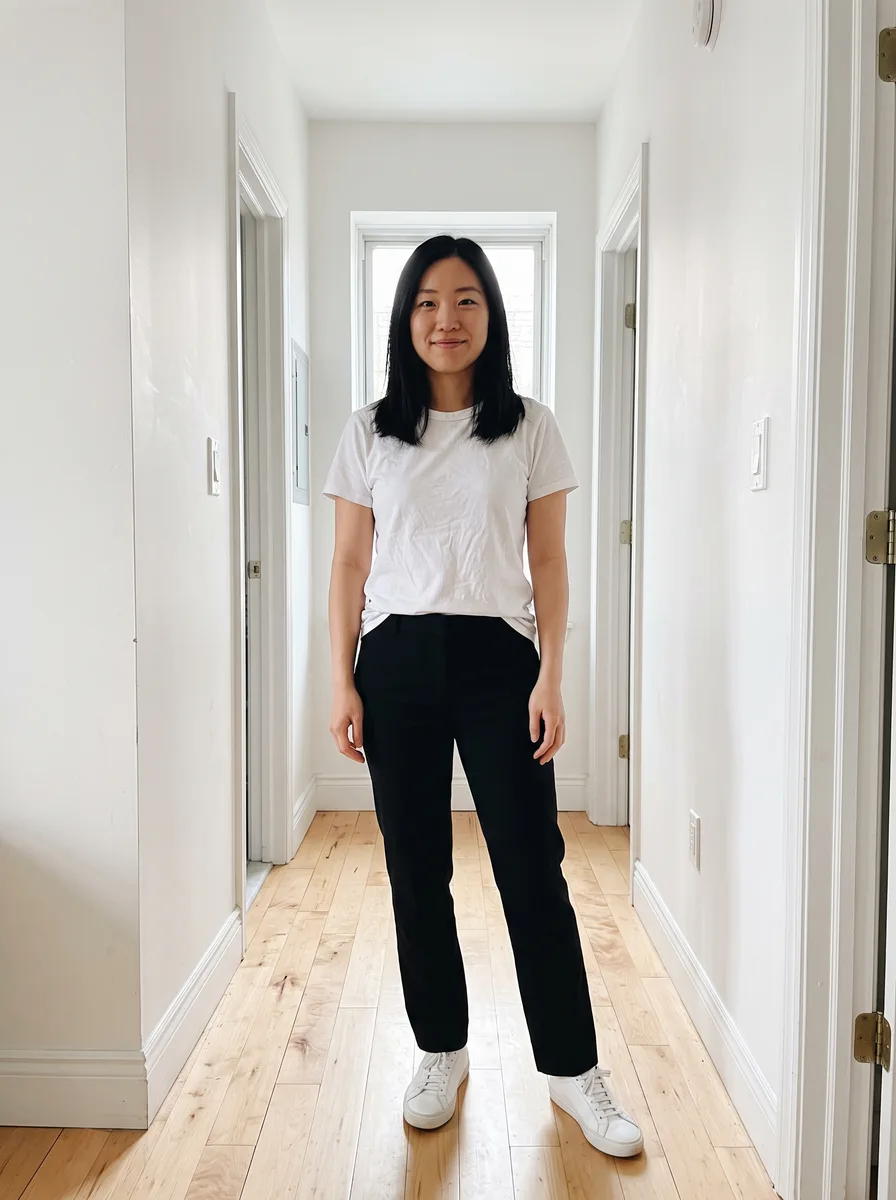
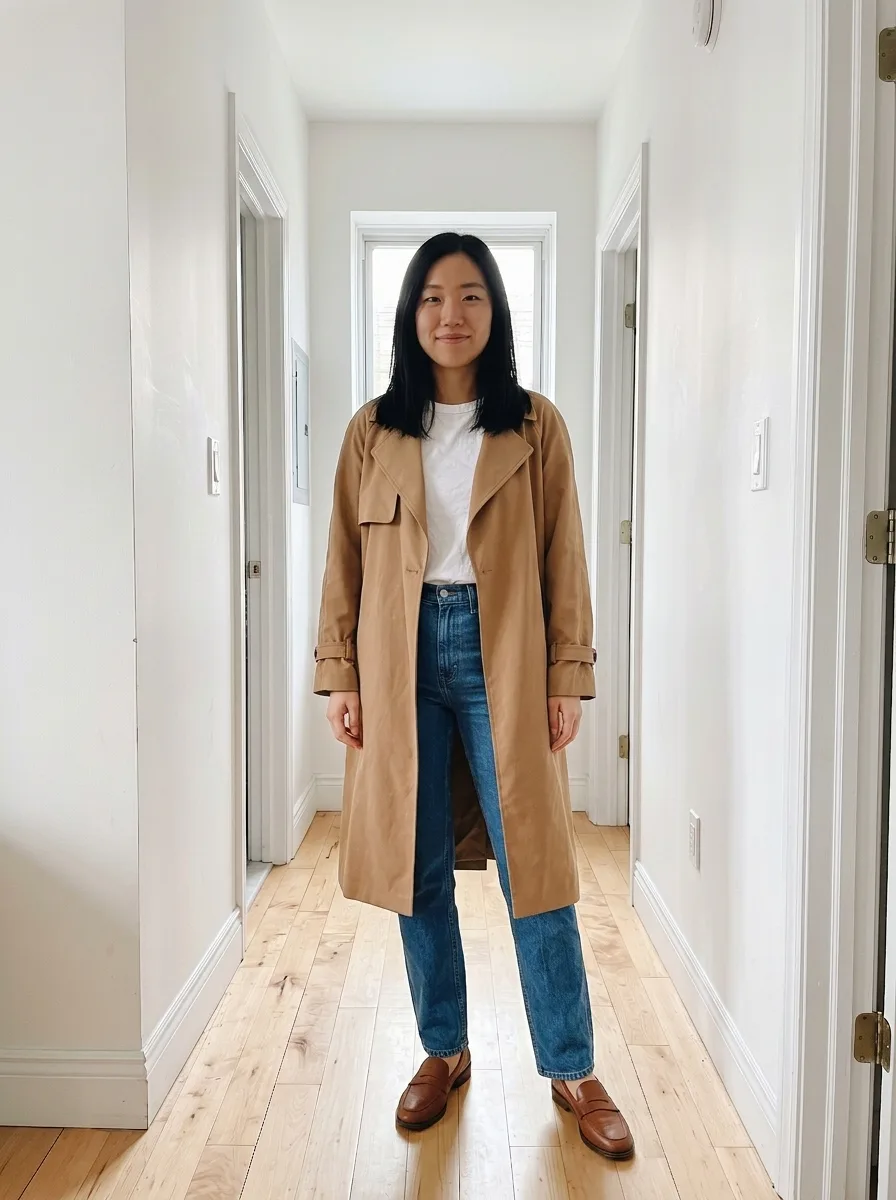
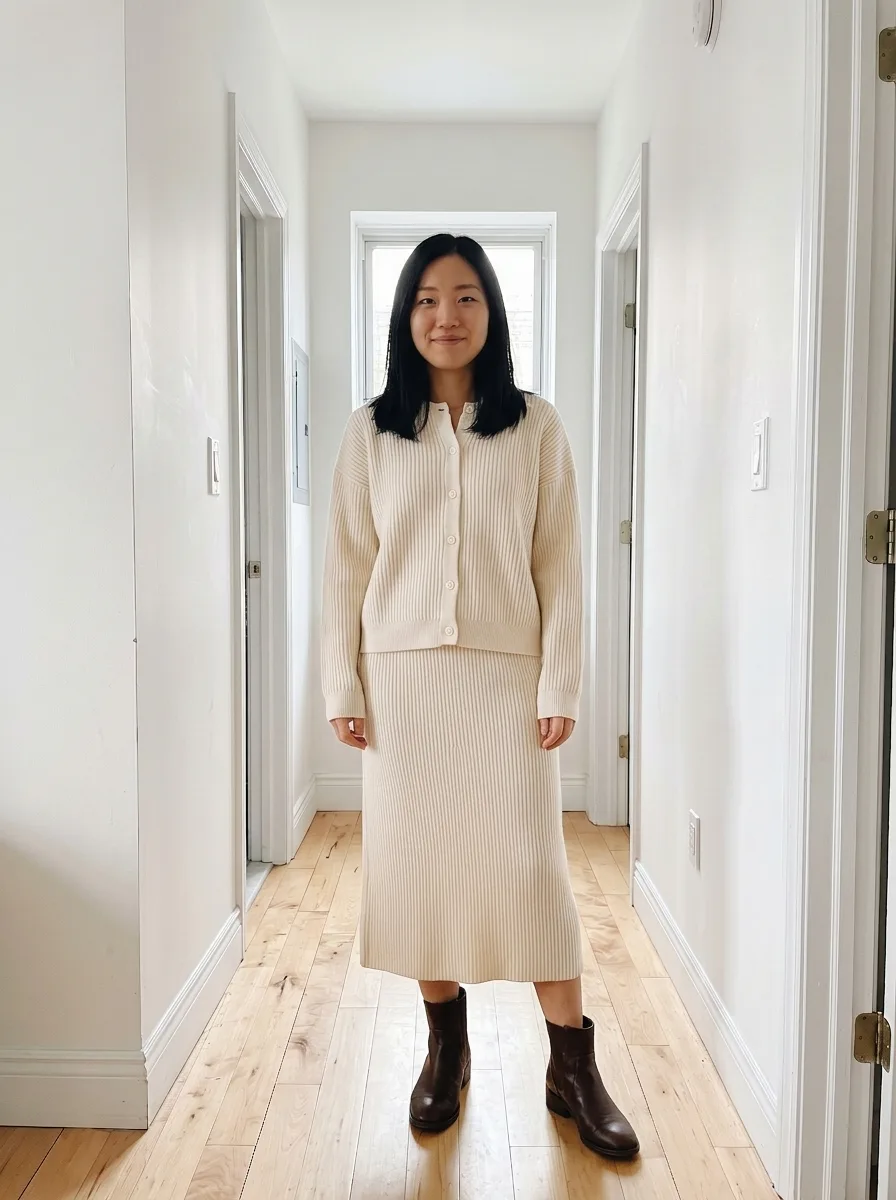
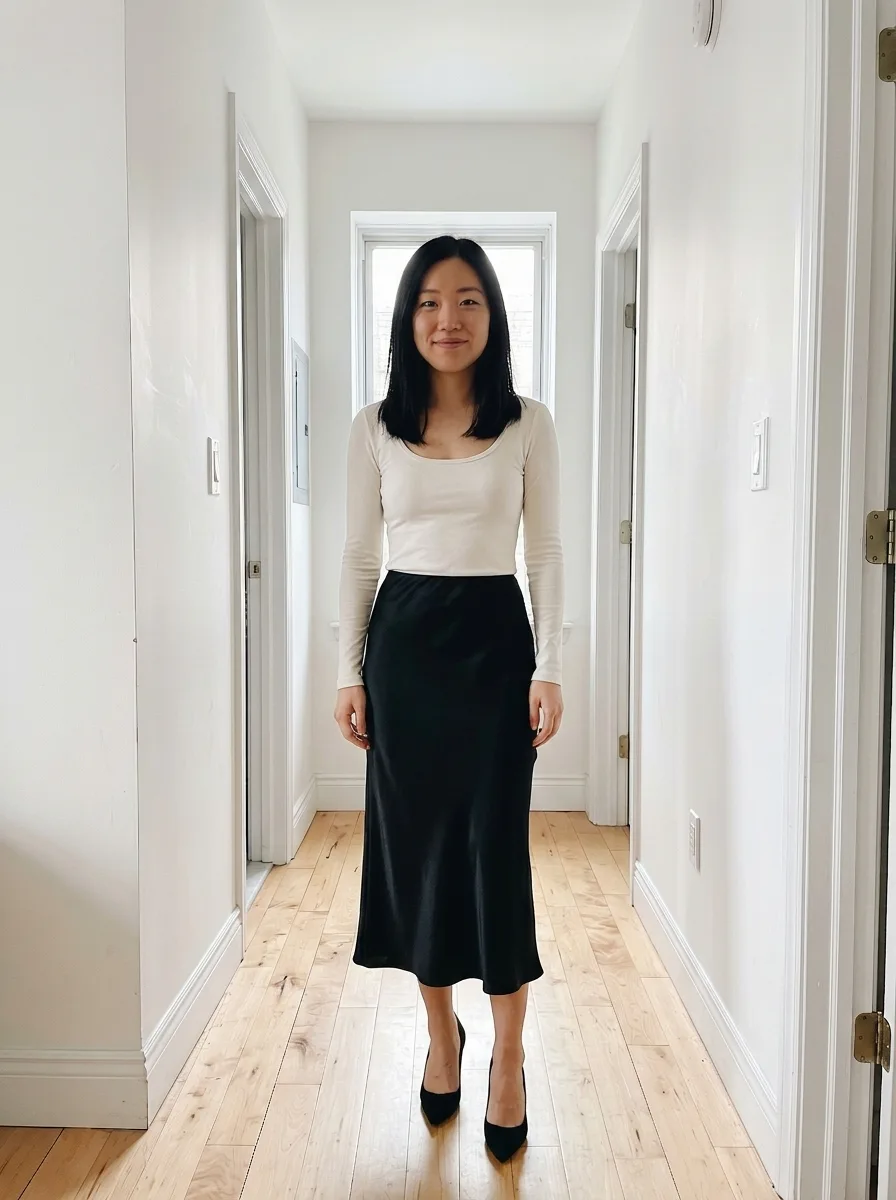
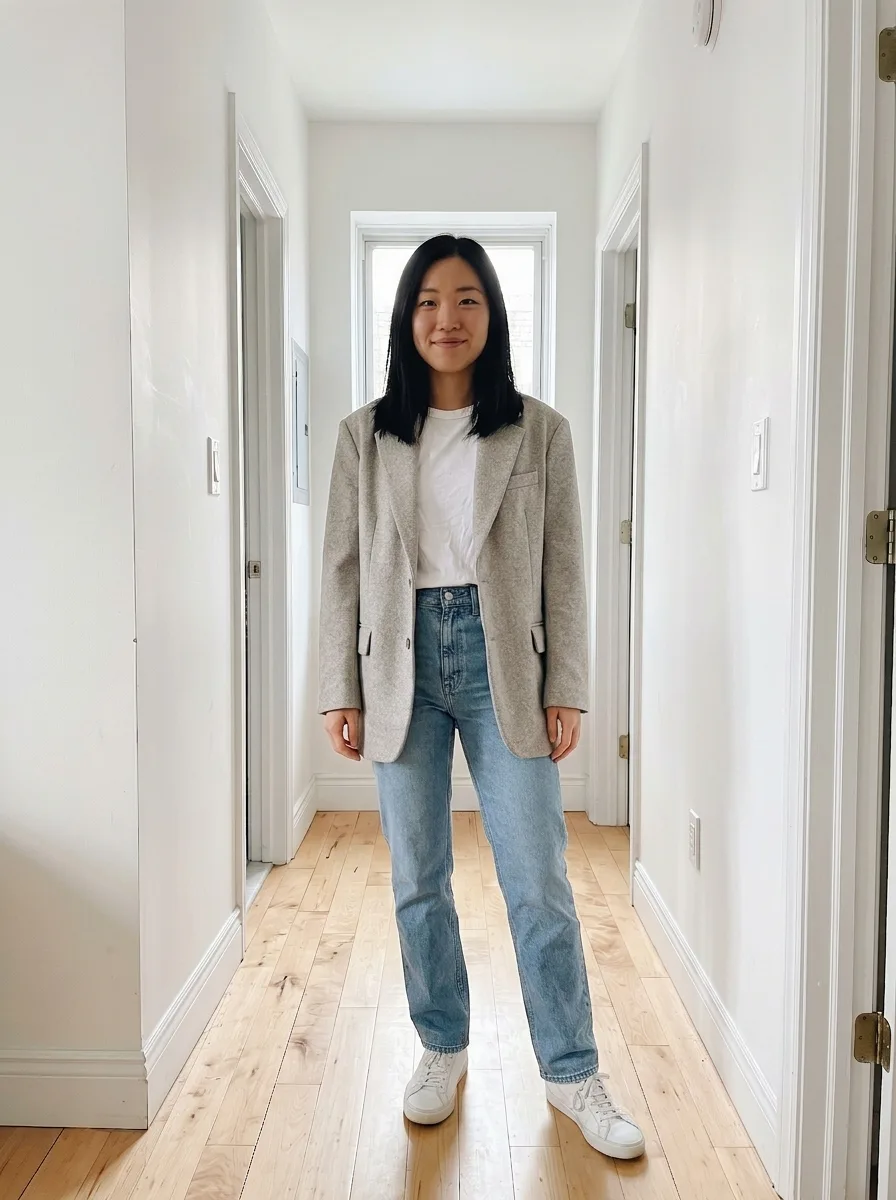
Your photo, plus any pin
- 1
Add a photo of you
Any full-length photo works. You add it once and use it for every look.
- 2
Pick a pin
Share it to ButtonUp, or screenshot it.
- 3
See it on you
You’re wearing it. Same photo, same pose.
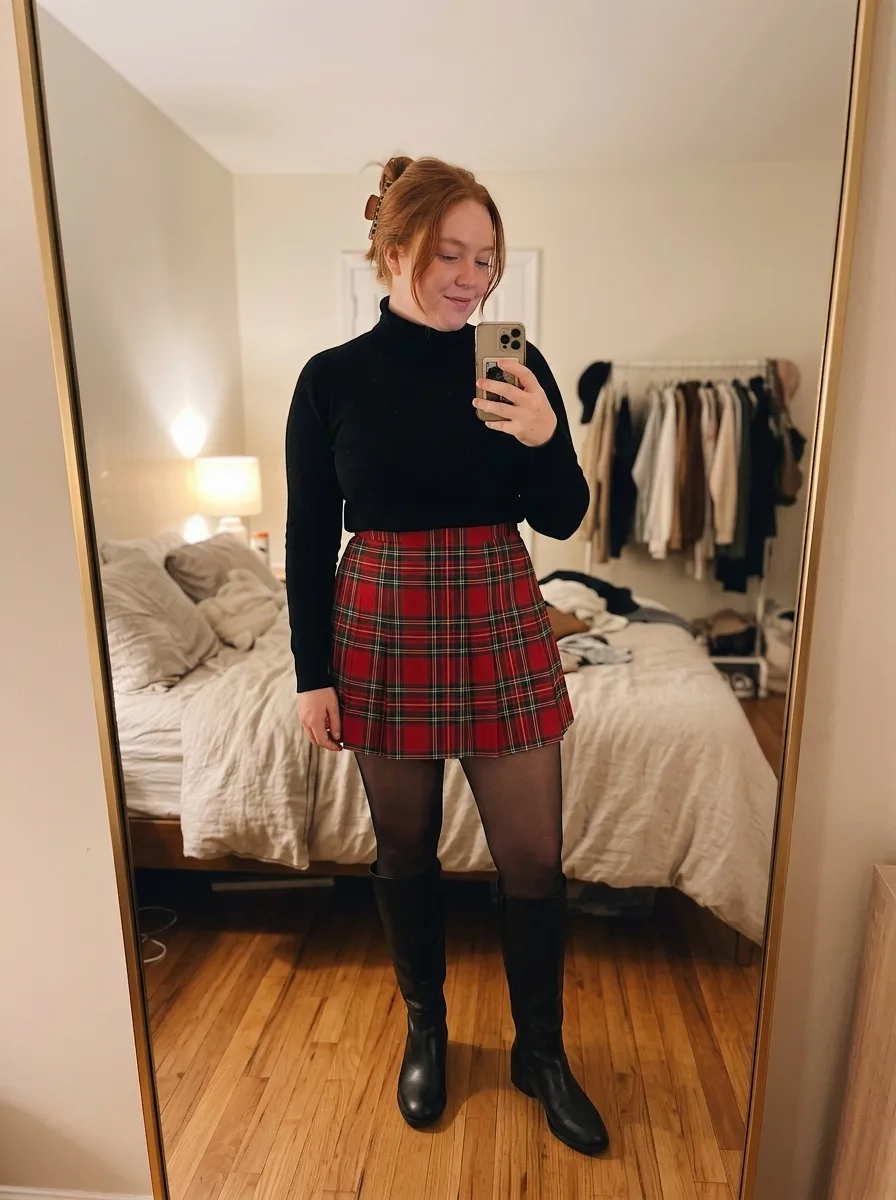
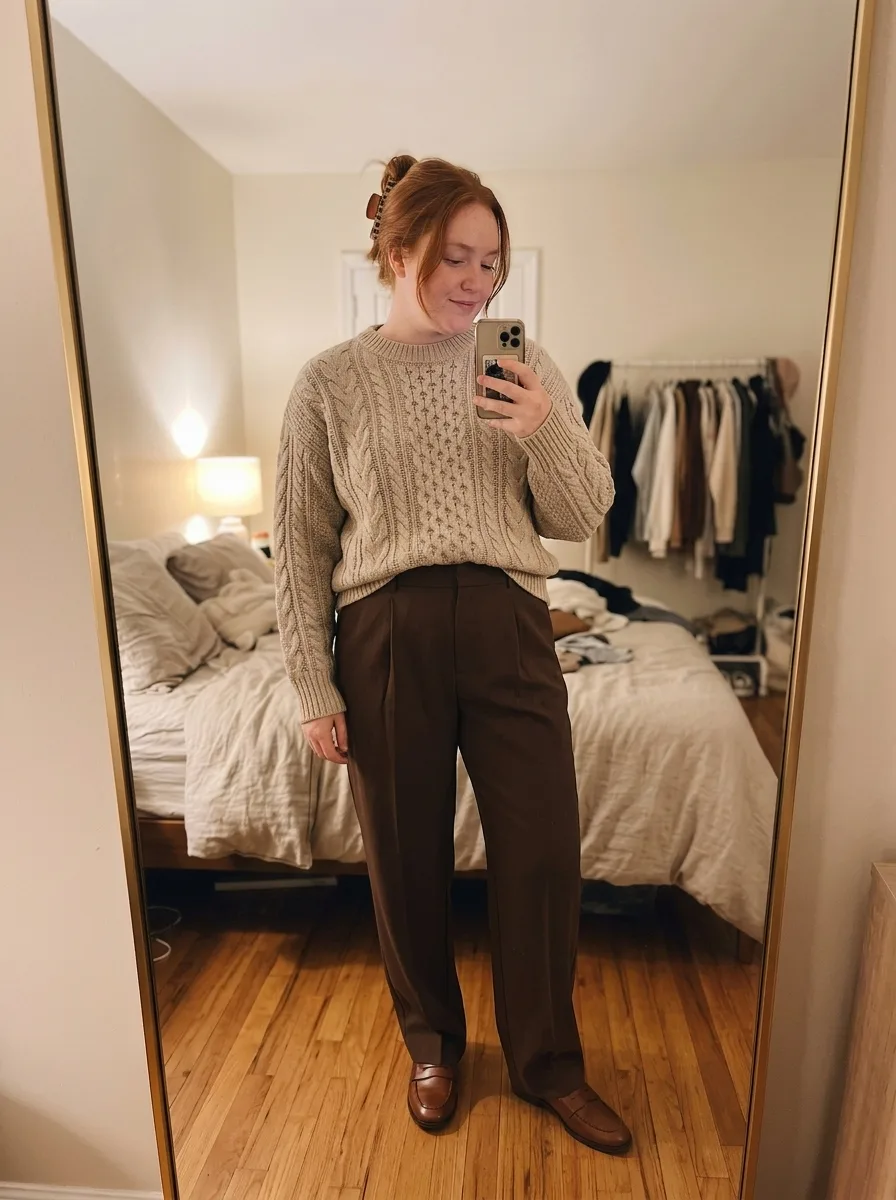
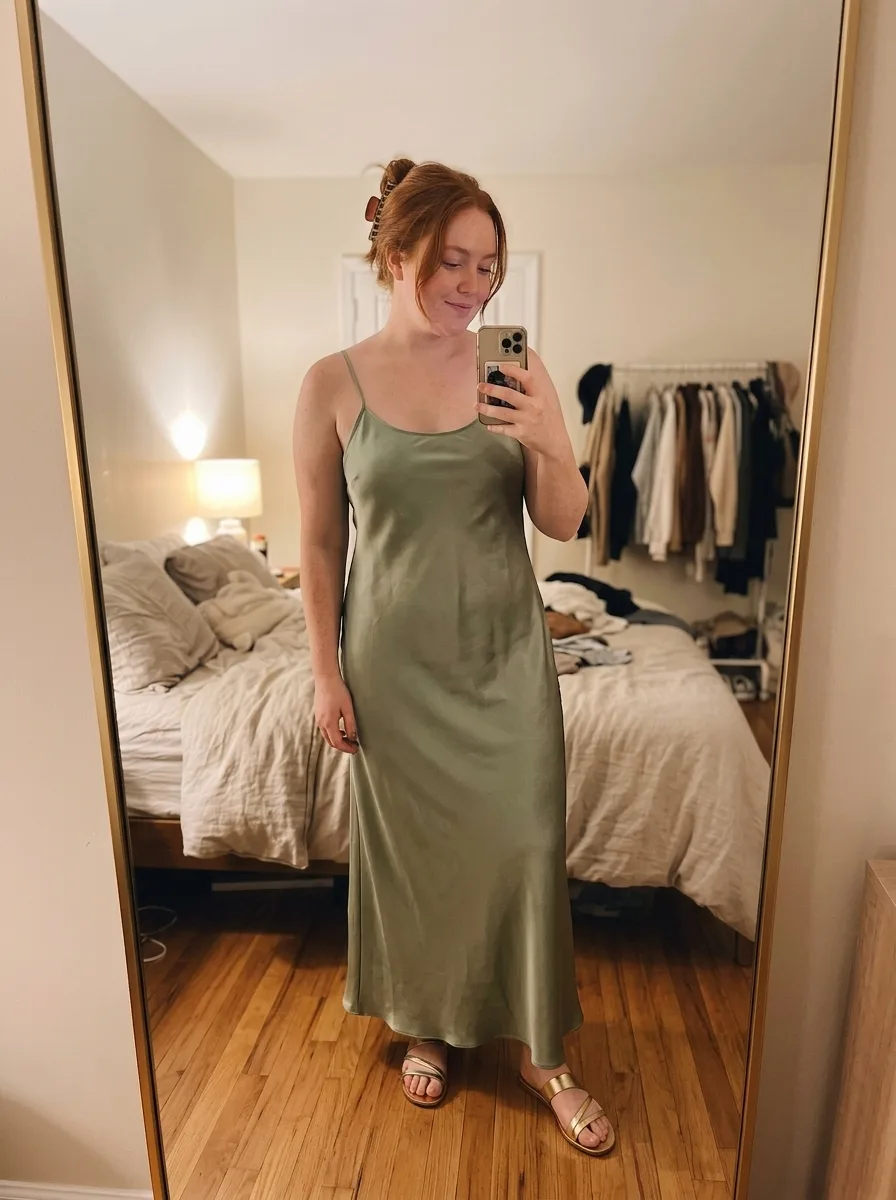
A few pins, tried on
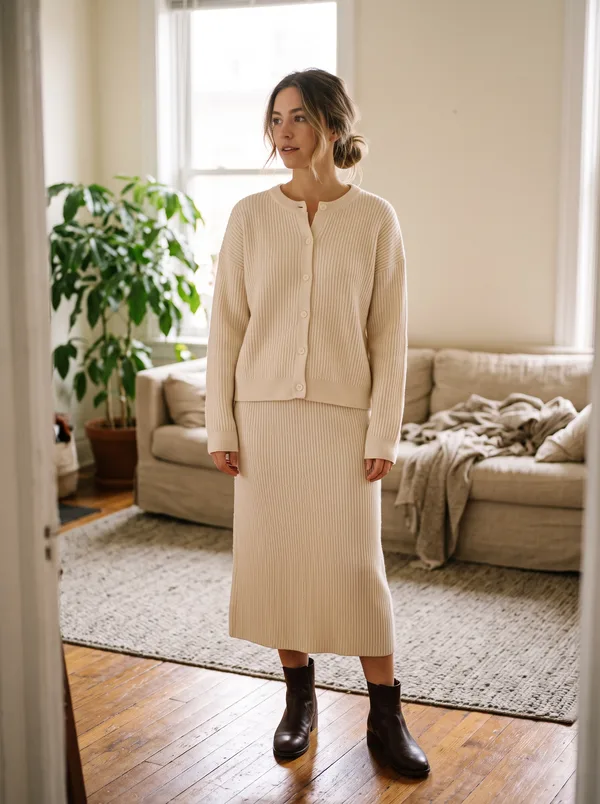
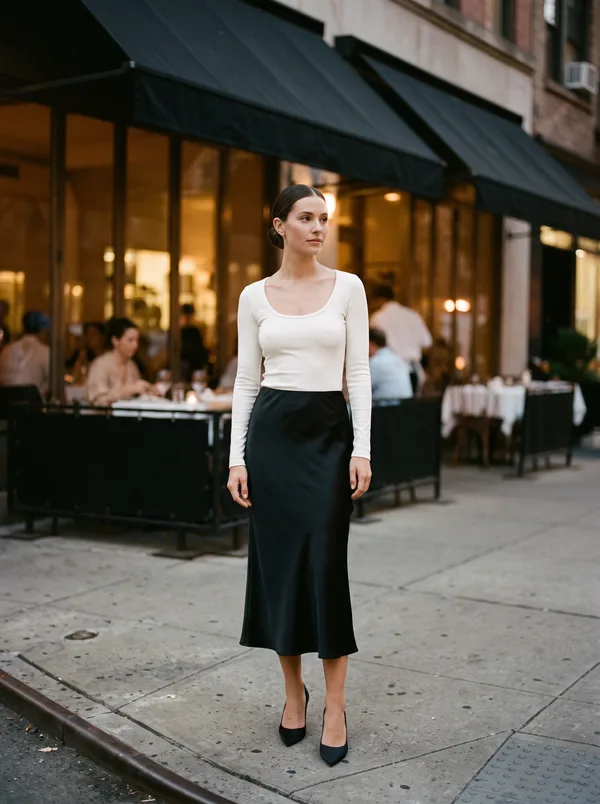
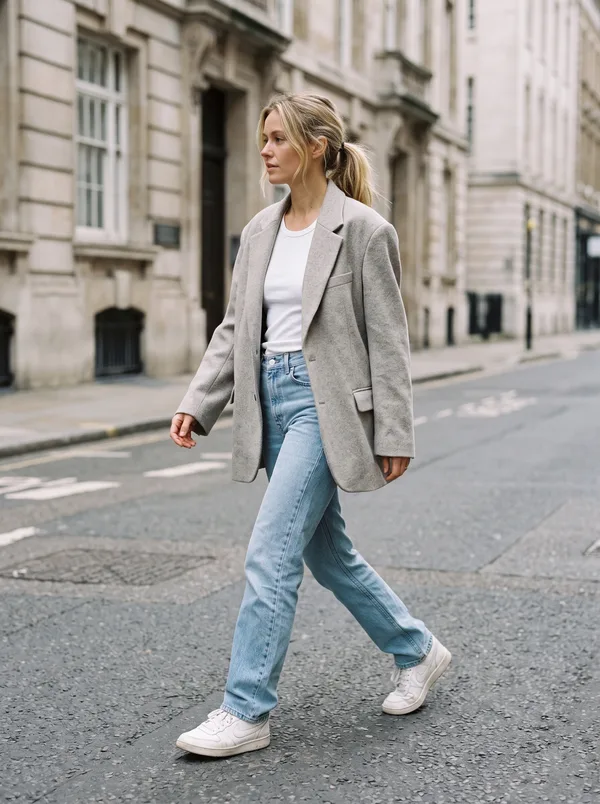
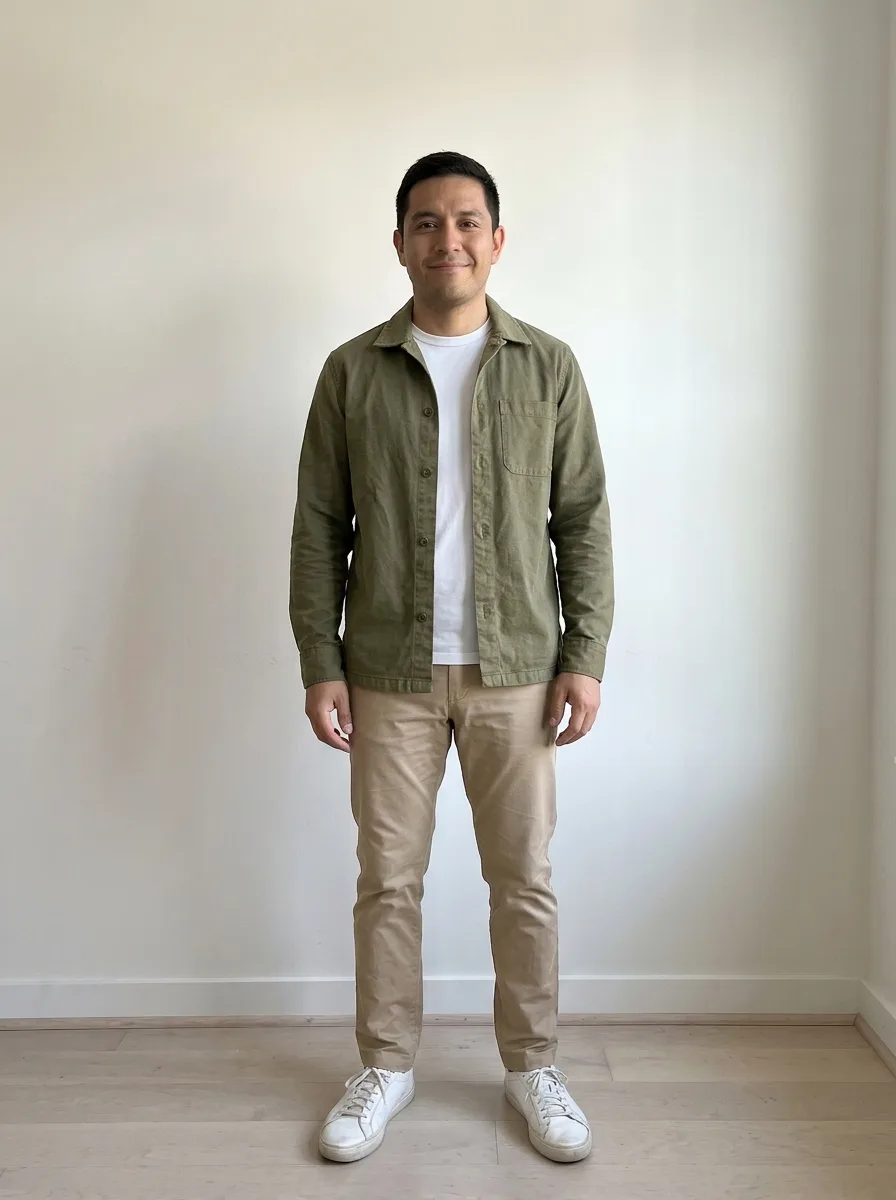
Which pins work best
The whole outfit, on one person
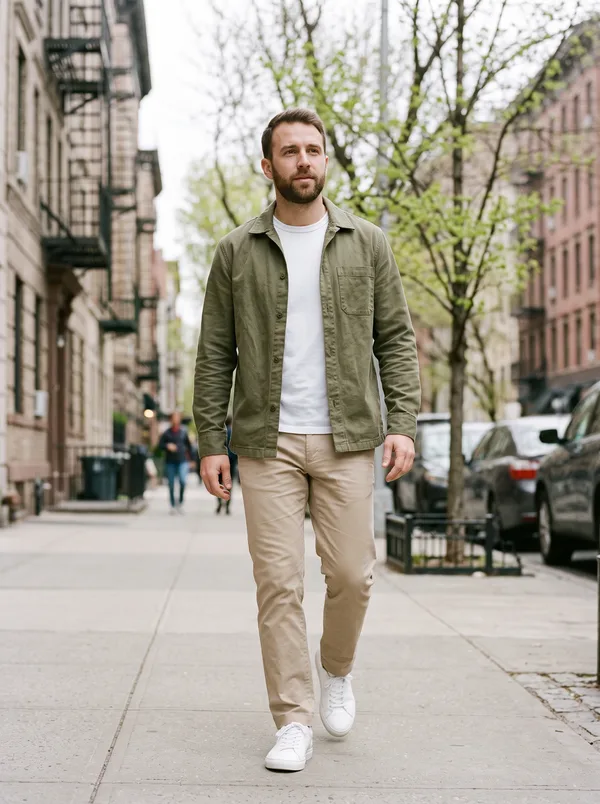
Pick pins that show the full outfit on one person. With a collage or a cropped shot, the app has to guess the missing pieces.
Not every pin is shoppable
Some pins are AI-made, or styled shots with nothing to buy. Try them on for the idea, then look for similar pieces.
Watch for filters
Heavy filters shift colors, and the try-on copies what it sees. If the color matters, use the shop’s own photo of the piece.
Questions
Can you try on clothes from Pinterest?
Yes, with ButtonUp on iPhone. Add a full-length photo of yourself once. Then share a pin to ButtonUp, screenshot it, or open Pinterest in ButtonUp’s Browse tab and tap Try On.
Does Pinterest have virtual try-on for clothes?
Not for clothes. To see a pinned outfit on yourself, share the pin to ButtonUp or screenshot it, and it goes onto a photo of you.
How do I find and buy the clothes from a Pinterest outfit?
When ButtonUp finds the item, the look gets a product card. Go To Product opens the item’s page, and Similar Products shows close matches you can shop.
Your next favorite outfit is already in your camera roll.
Free to download. Takes about a minute to try your first look.

 or scan with
your iPhone